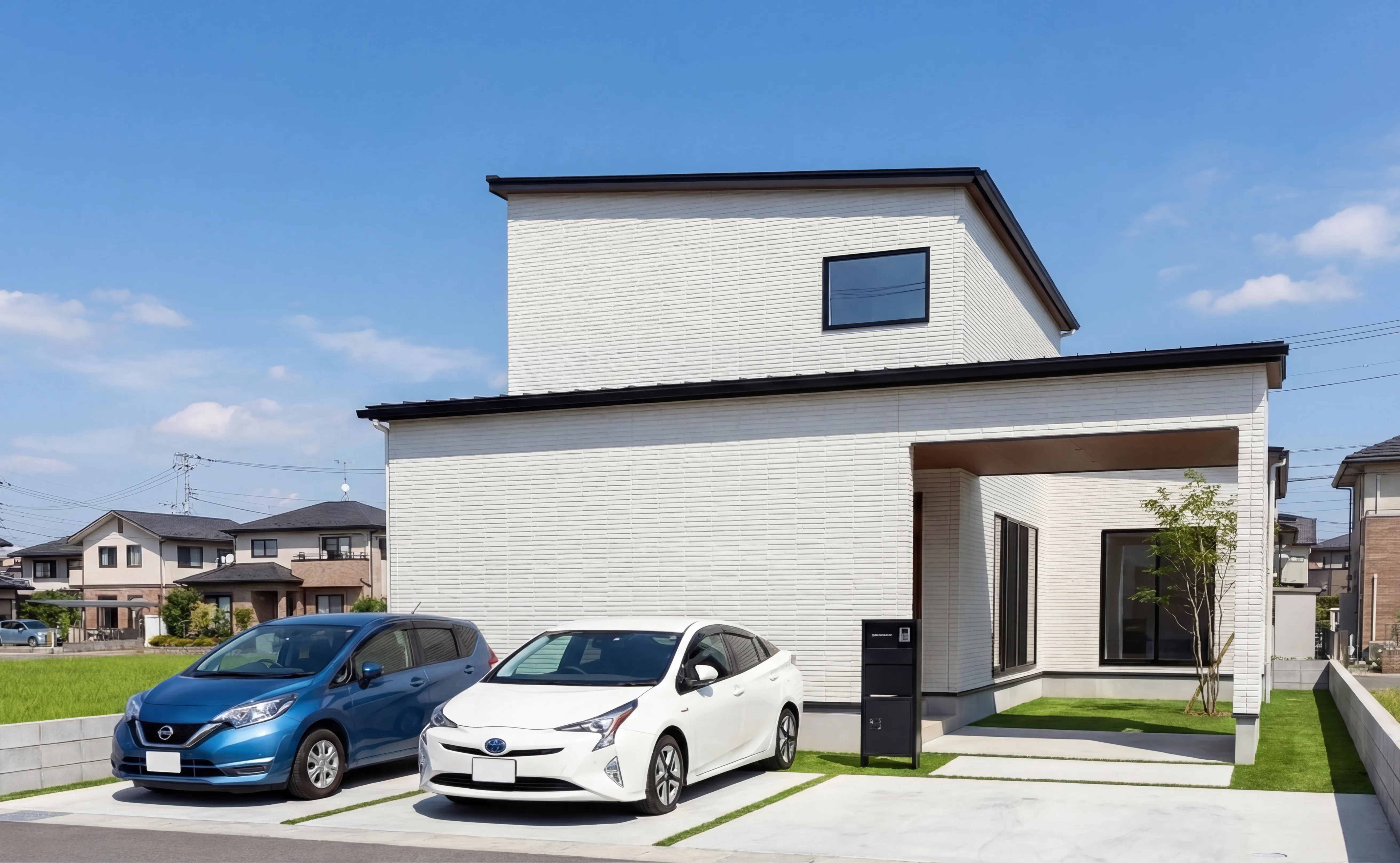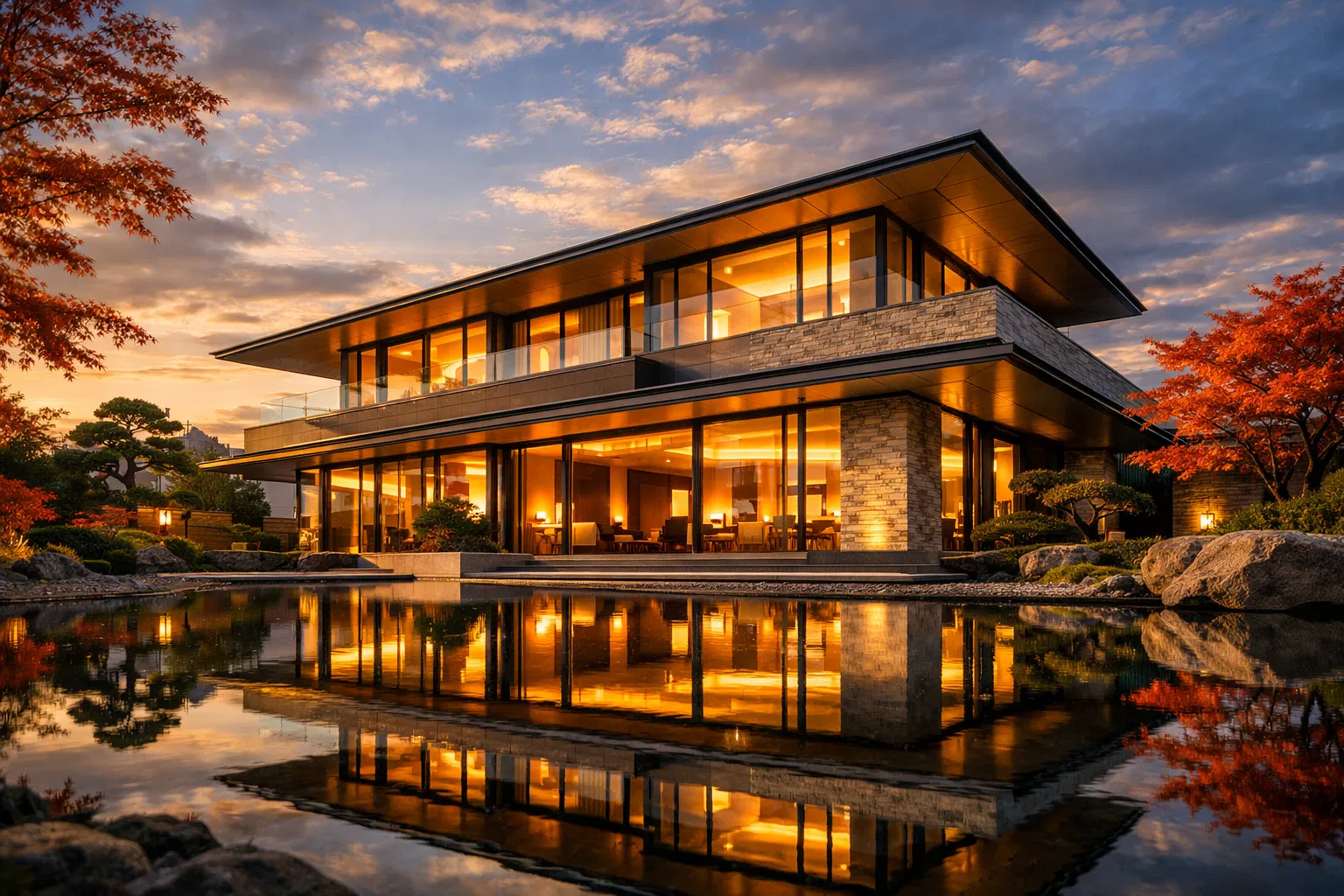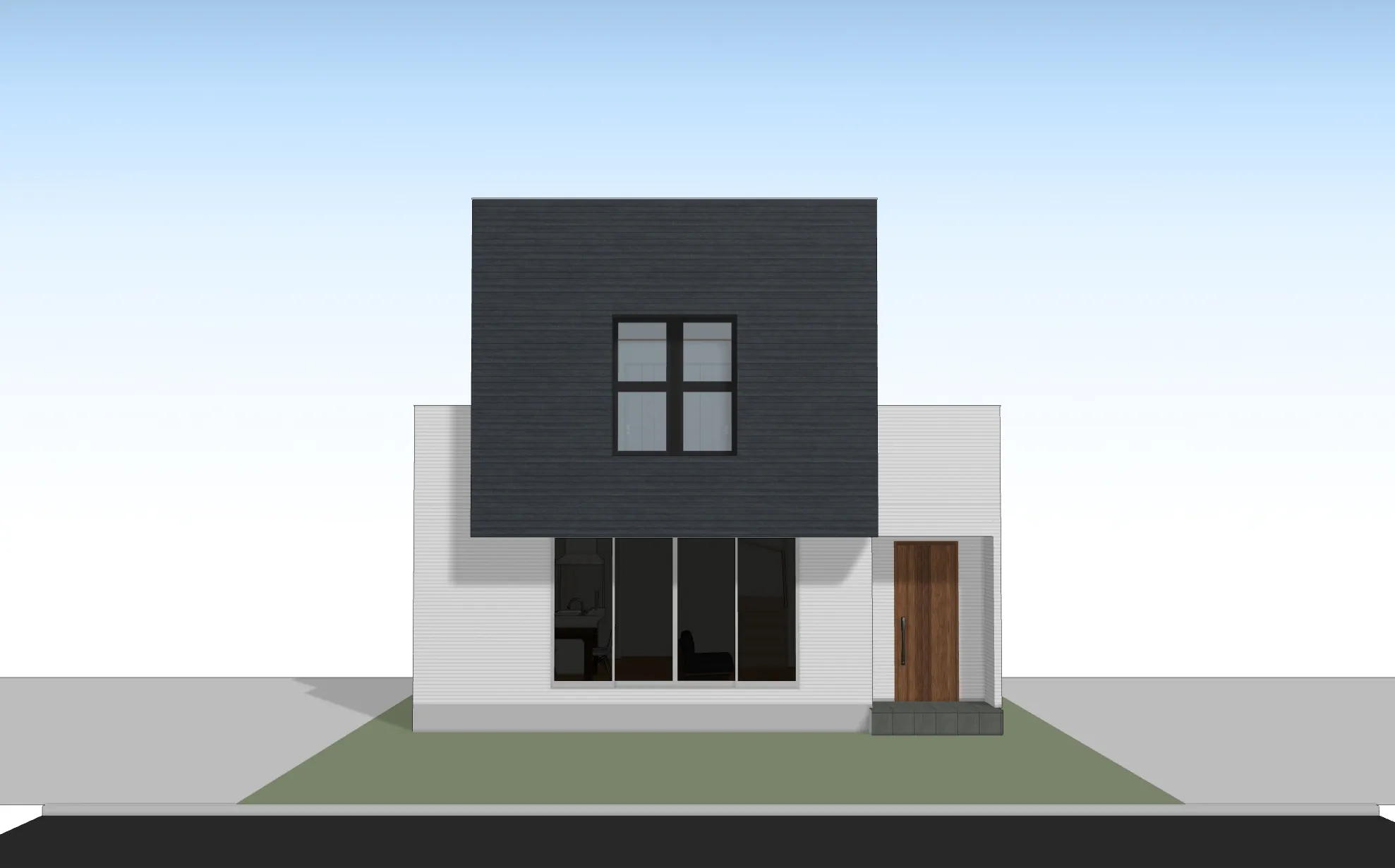
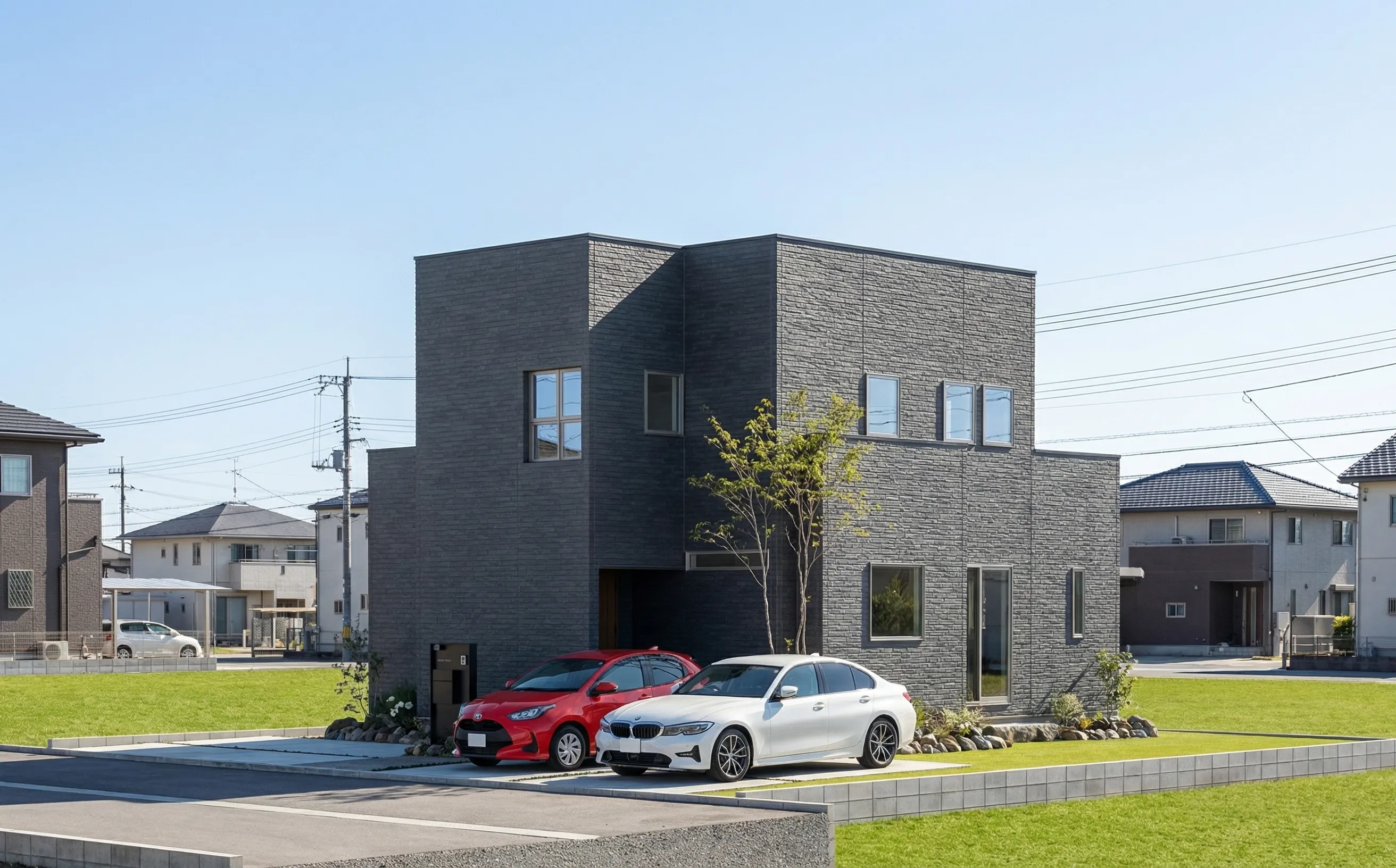
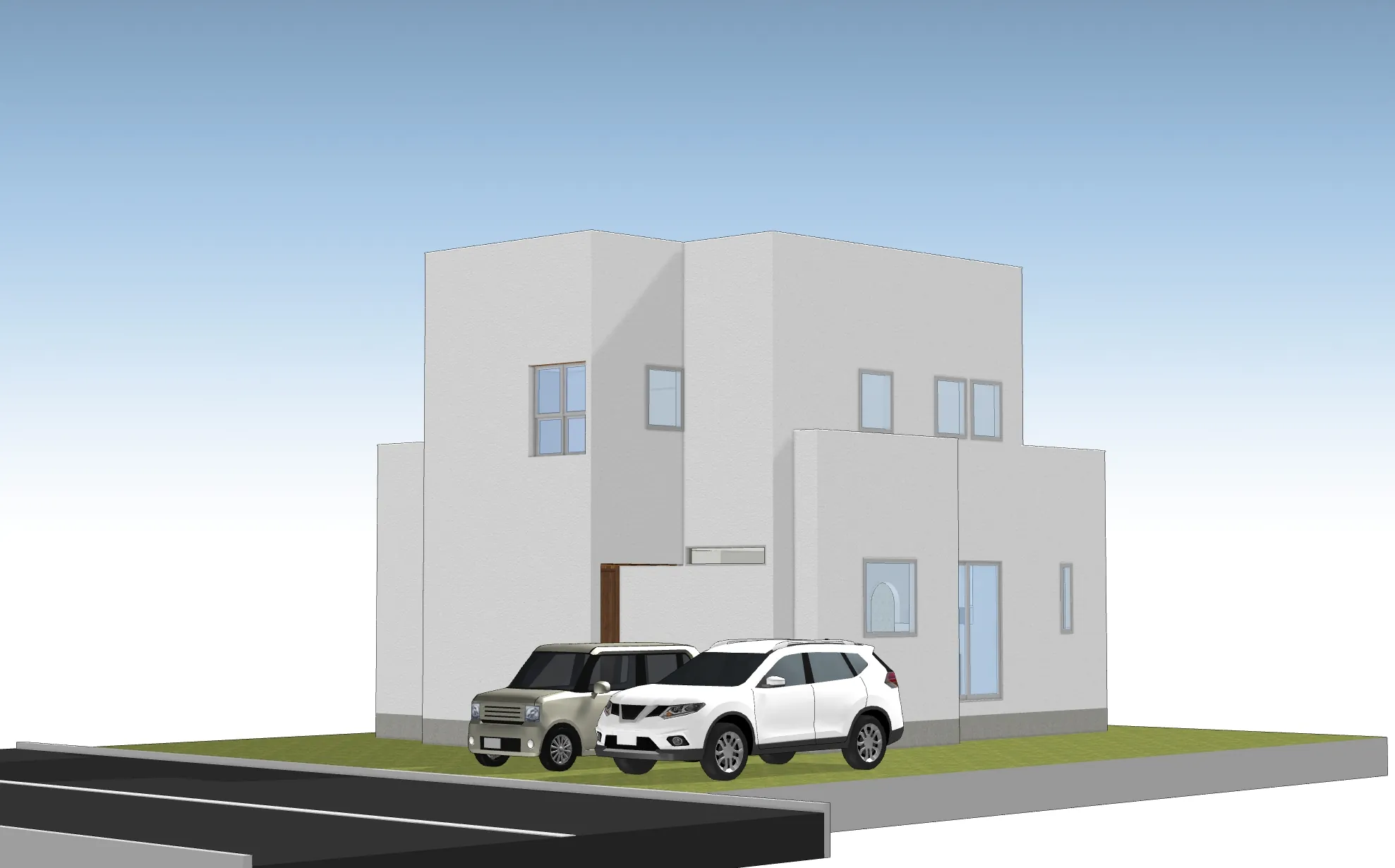
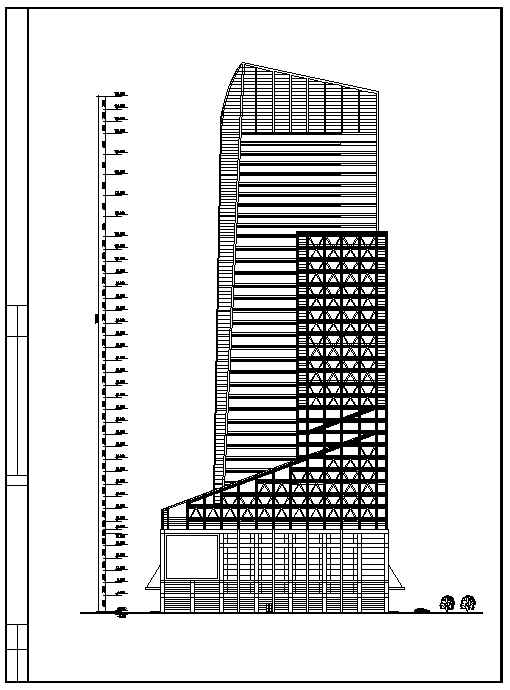
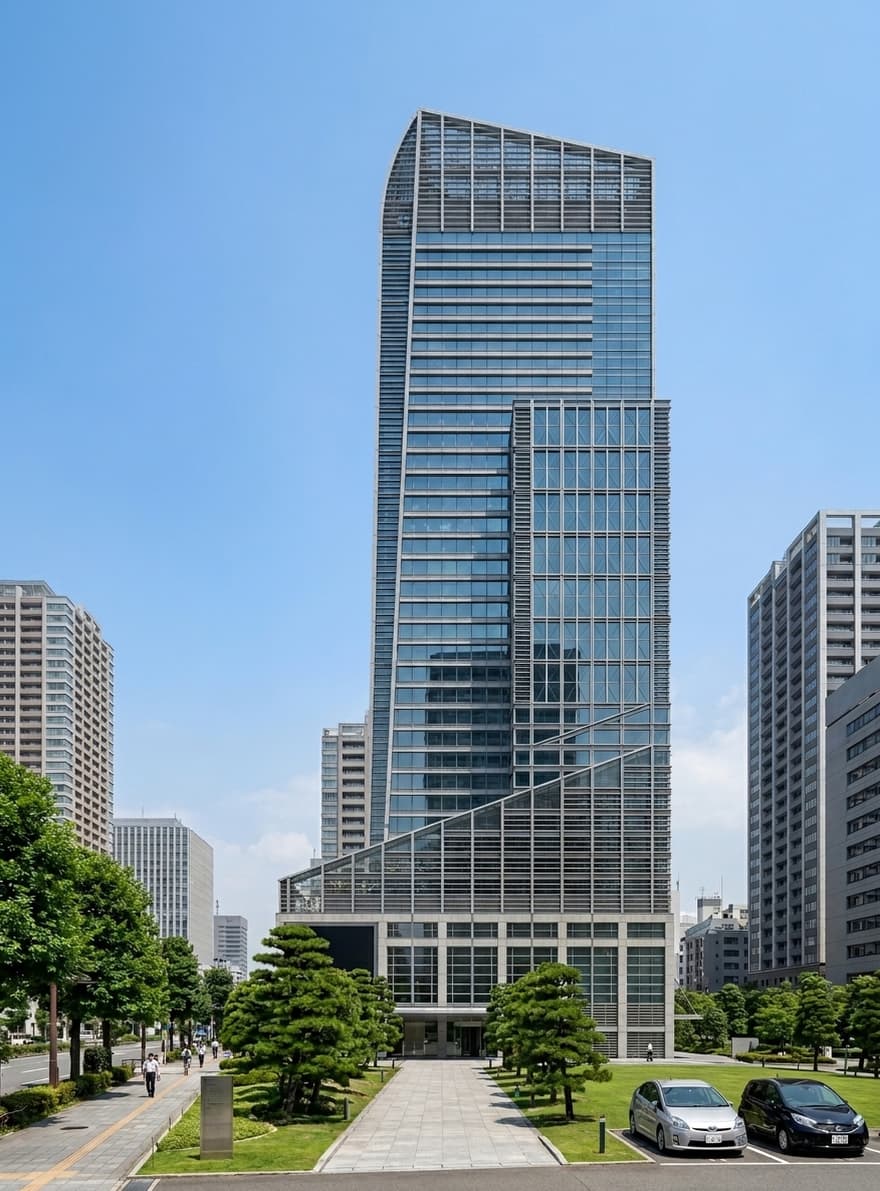
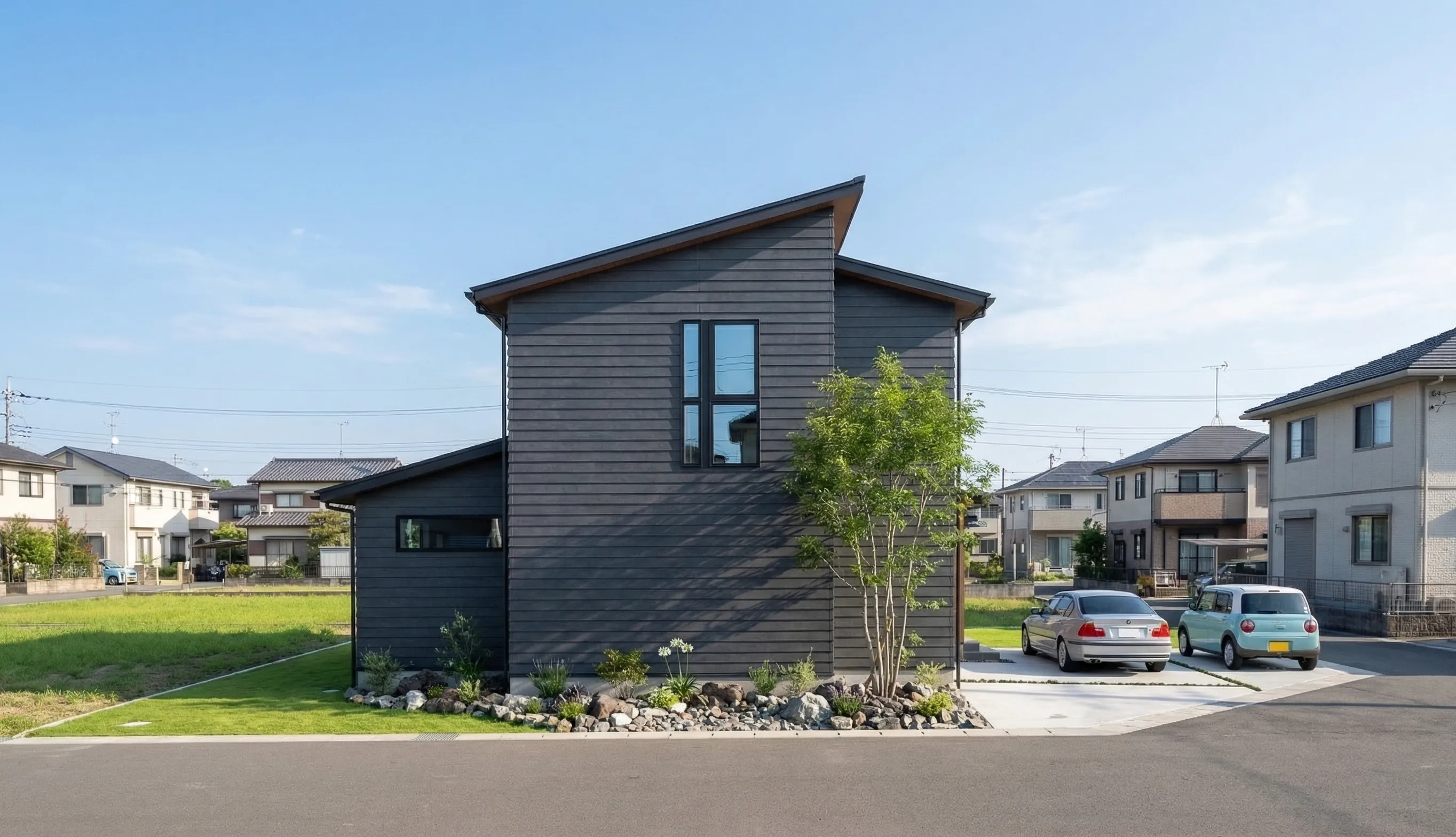
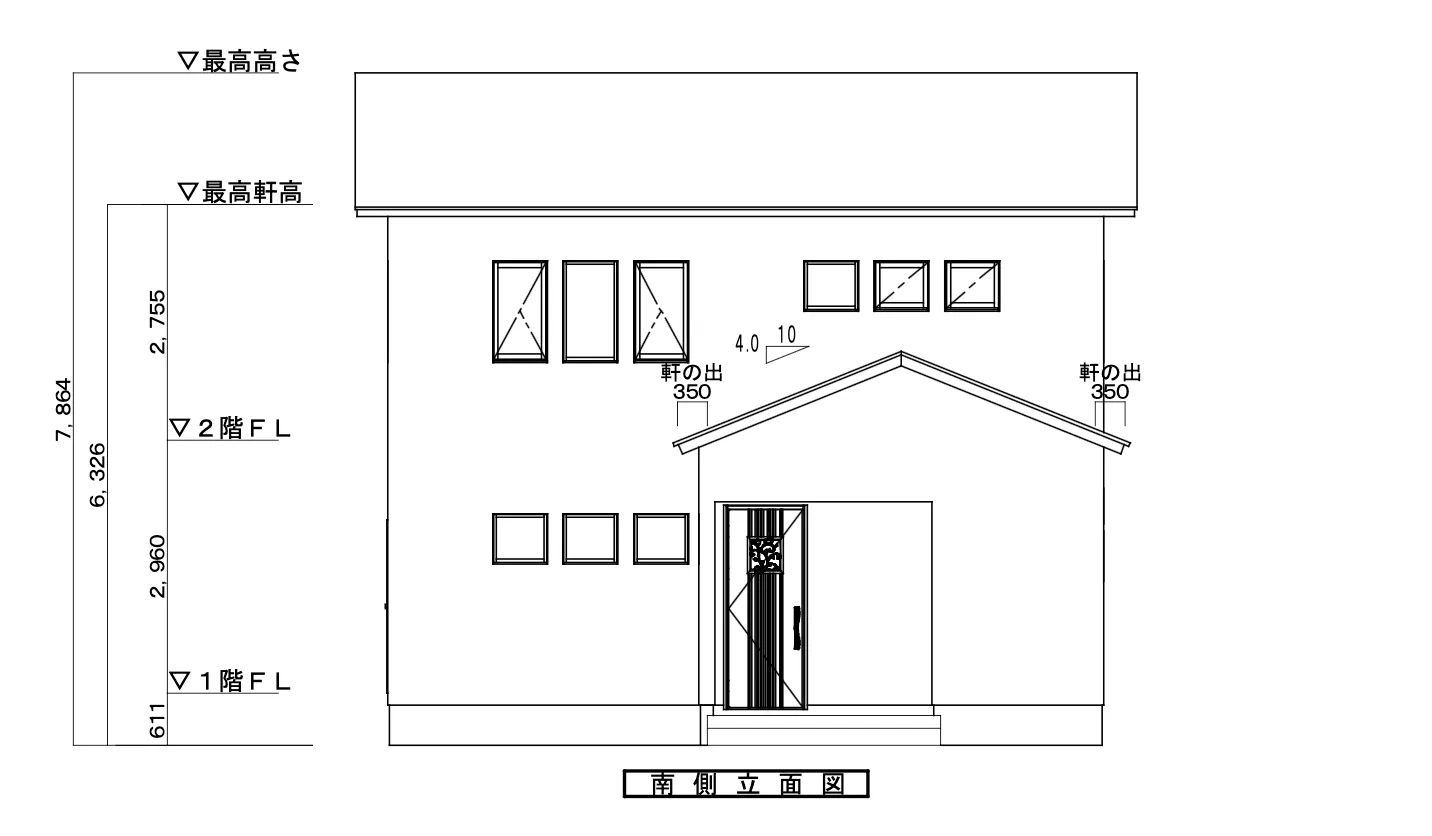
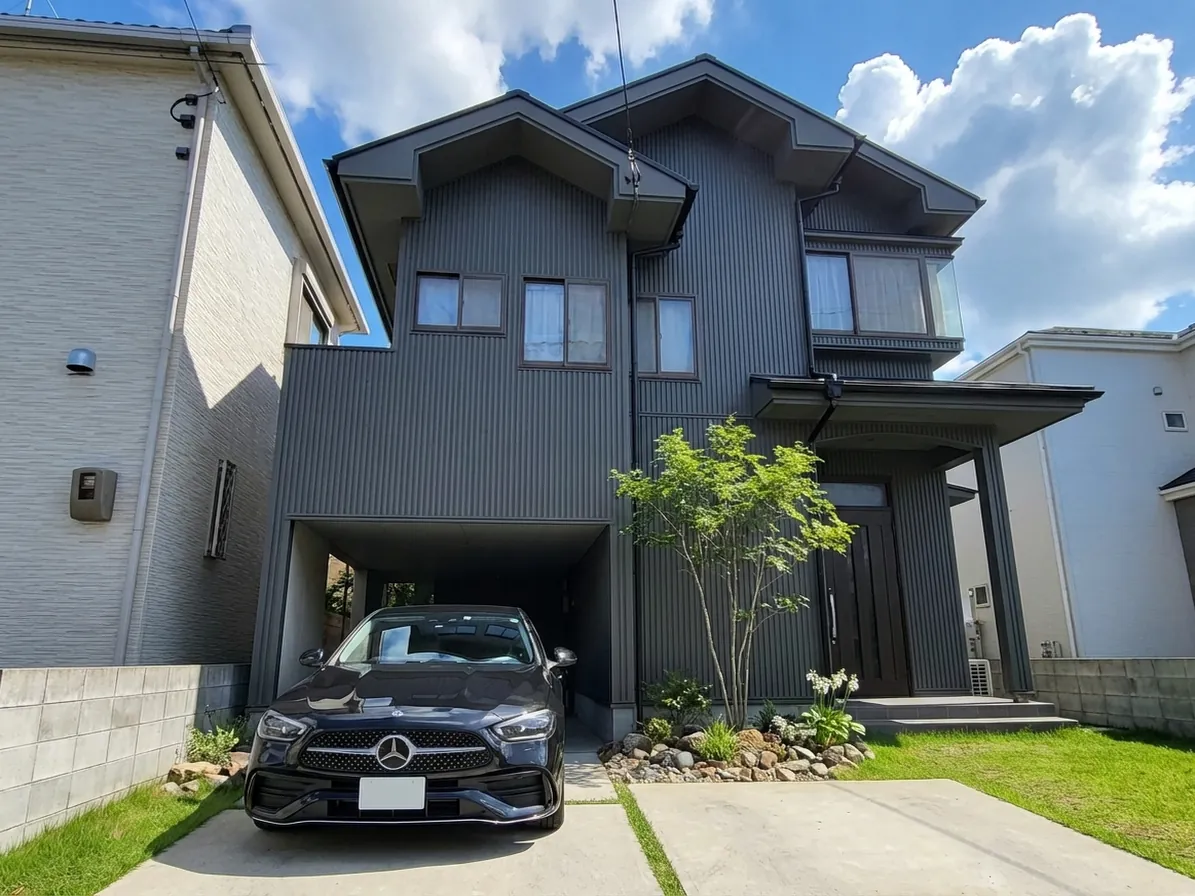
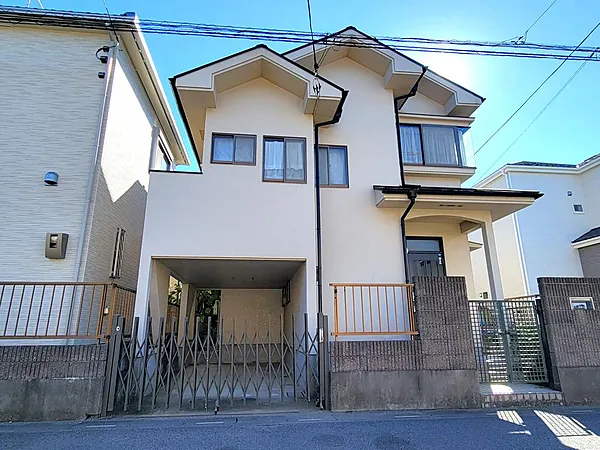
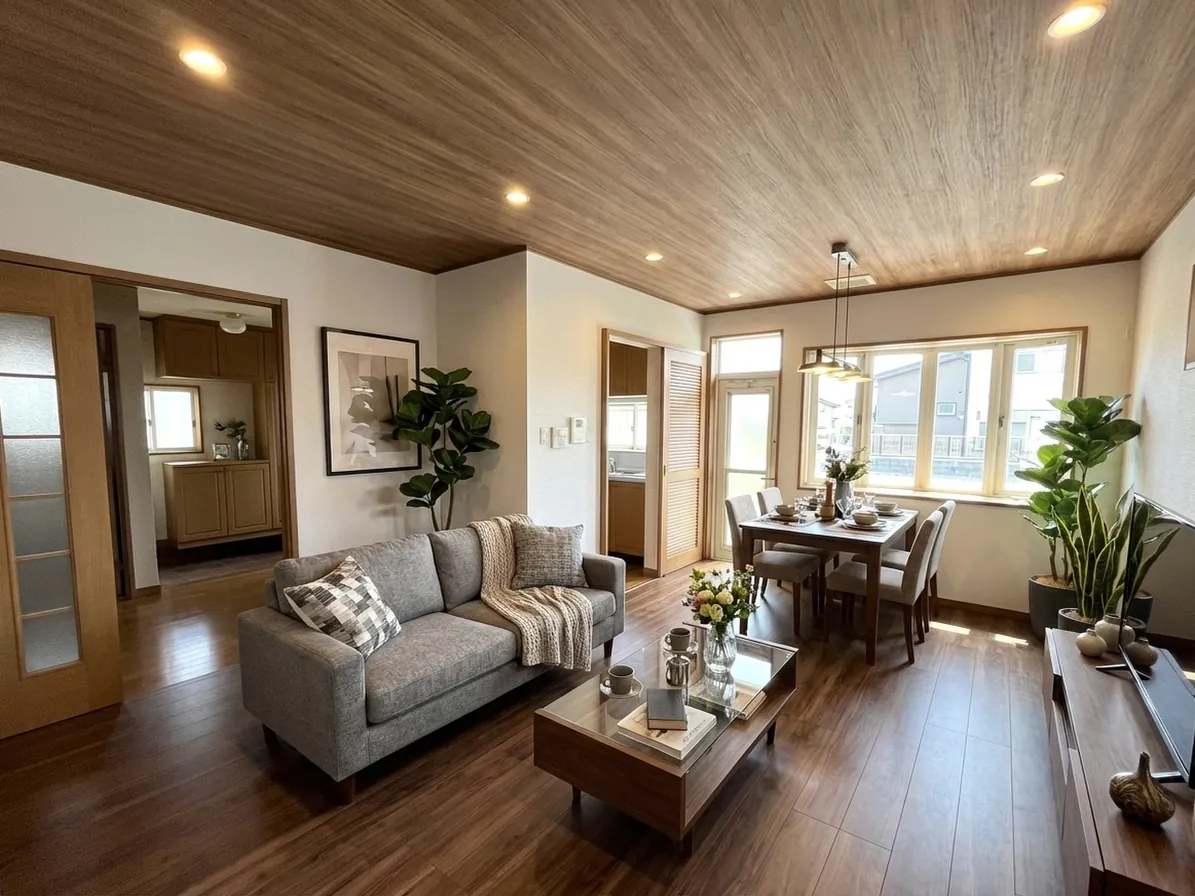
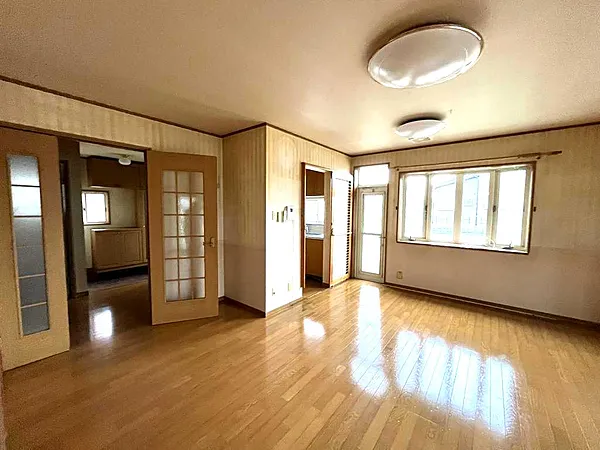
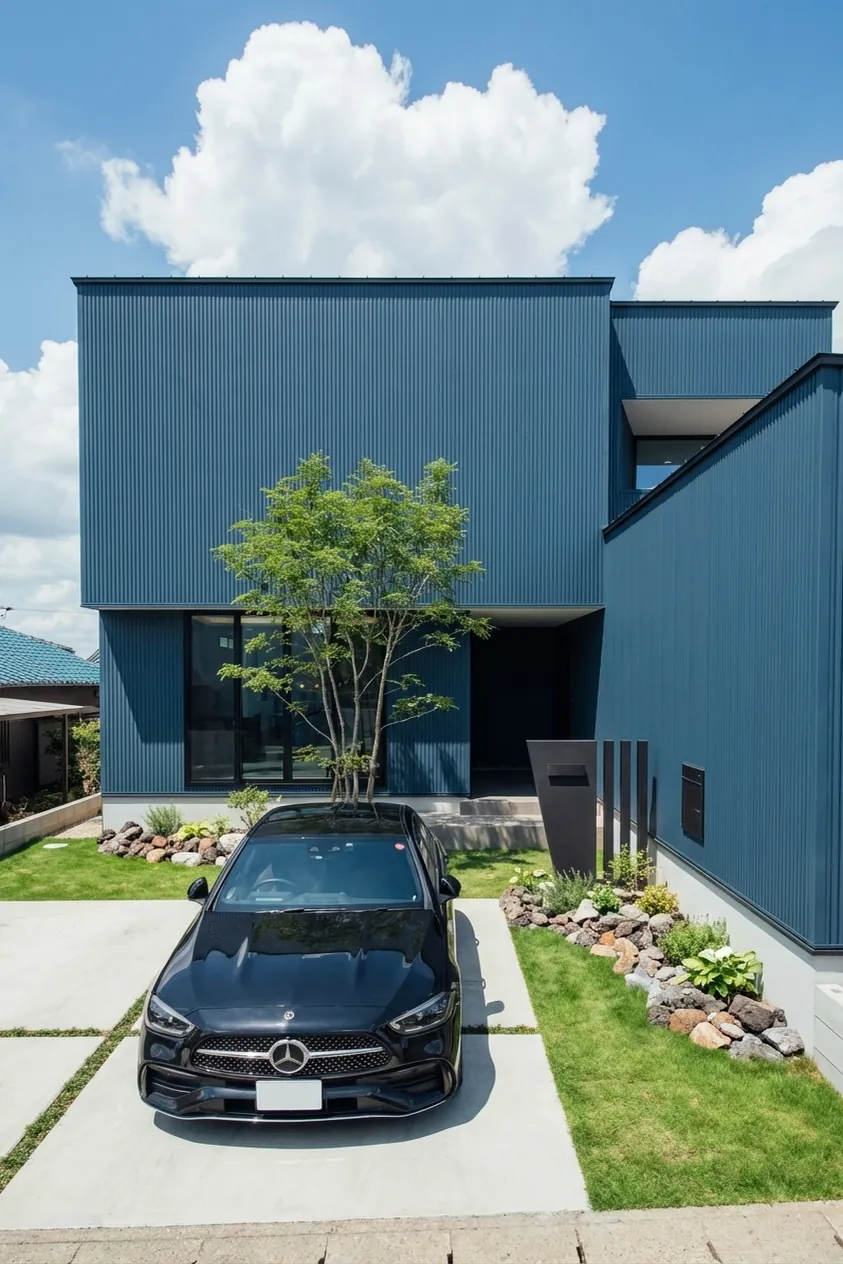
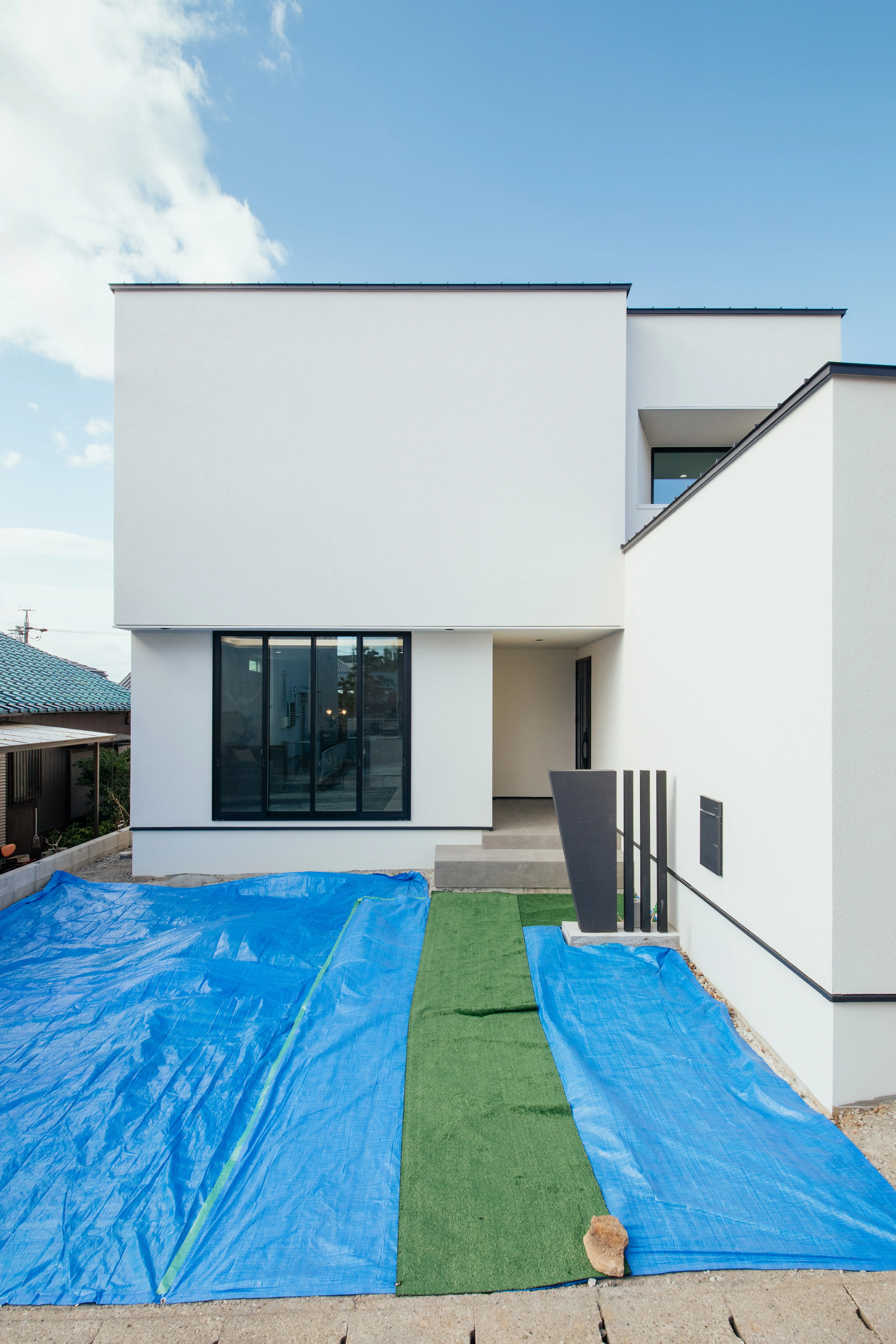
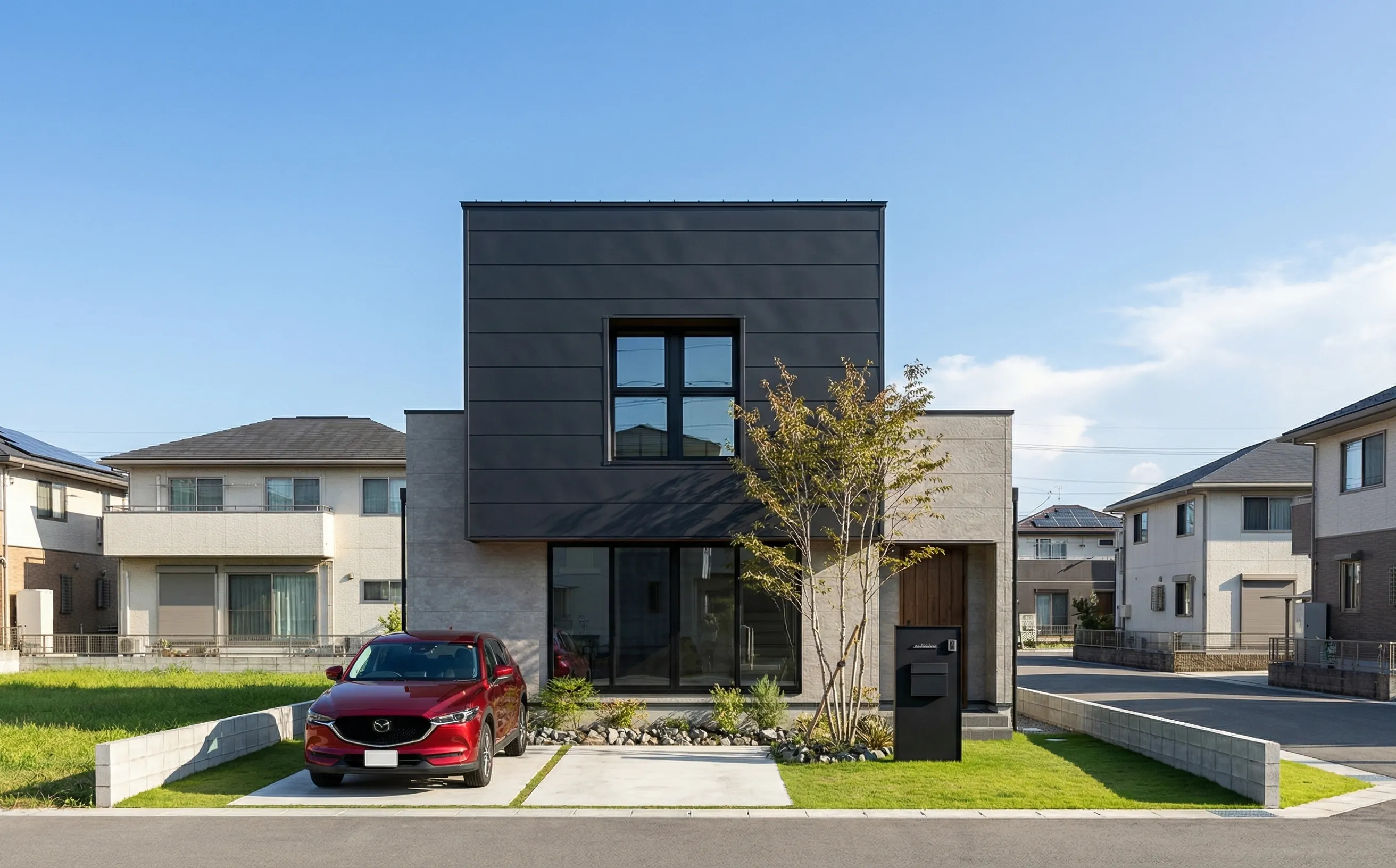
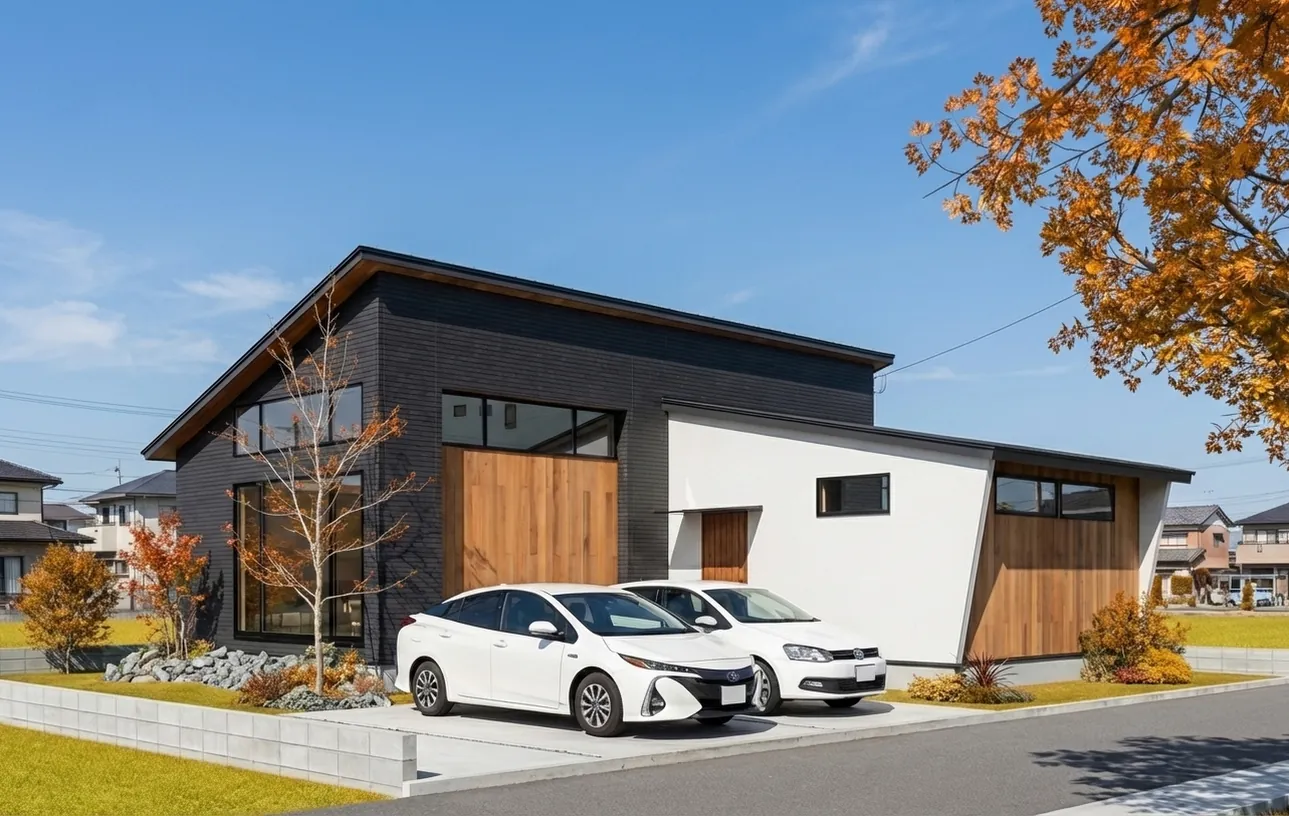
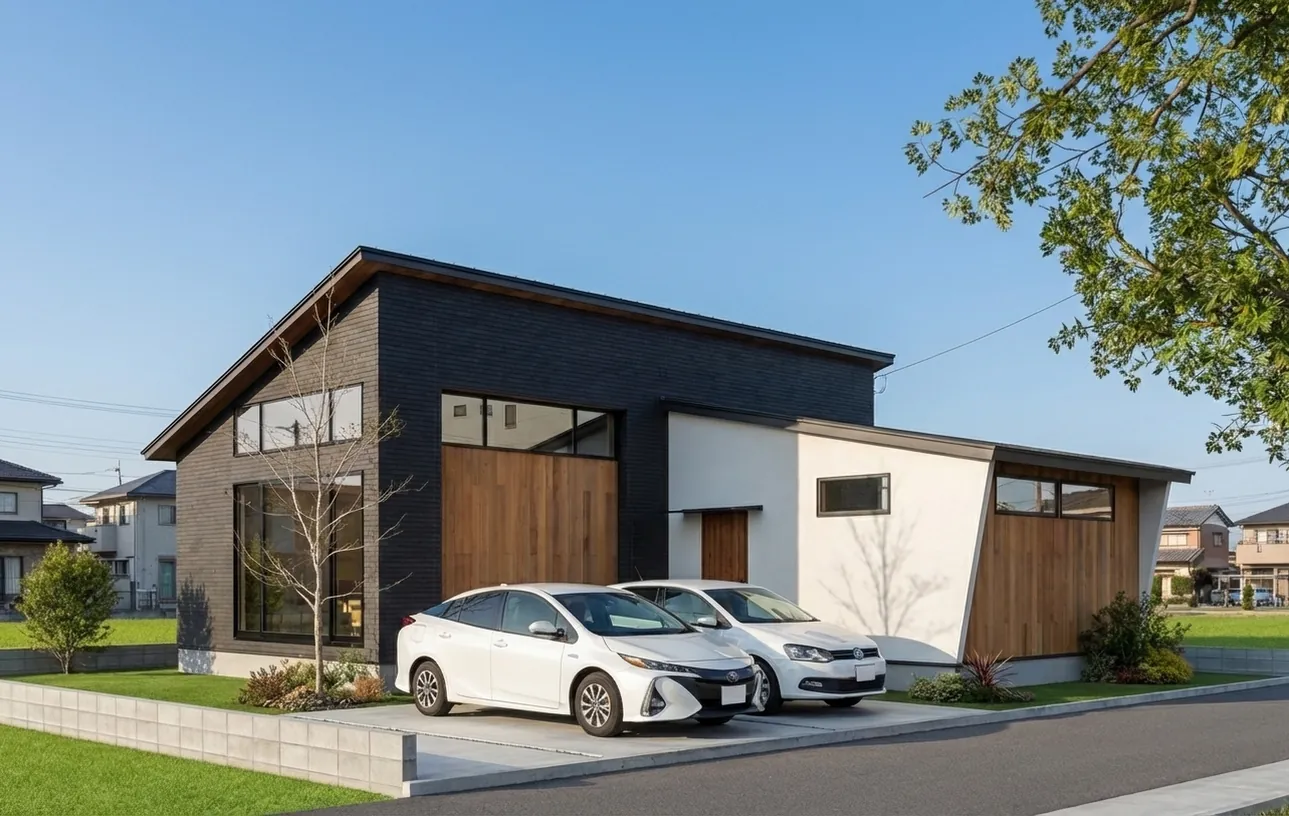
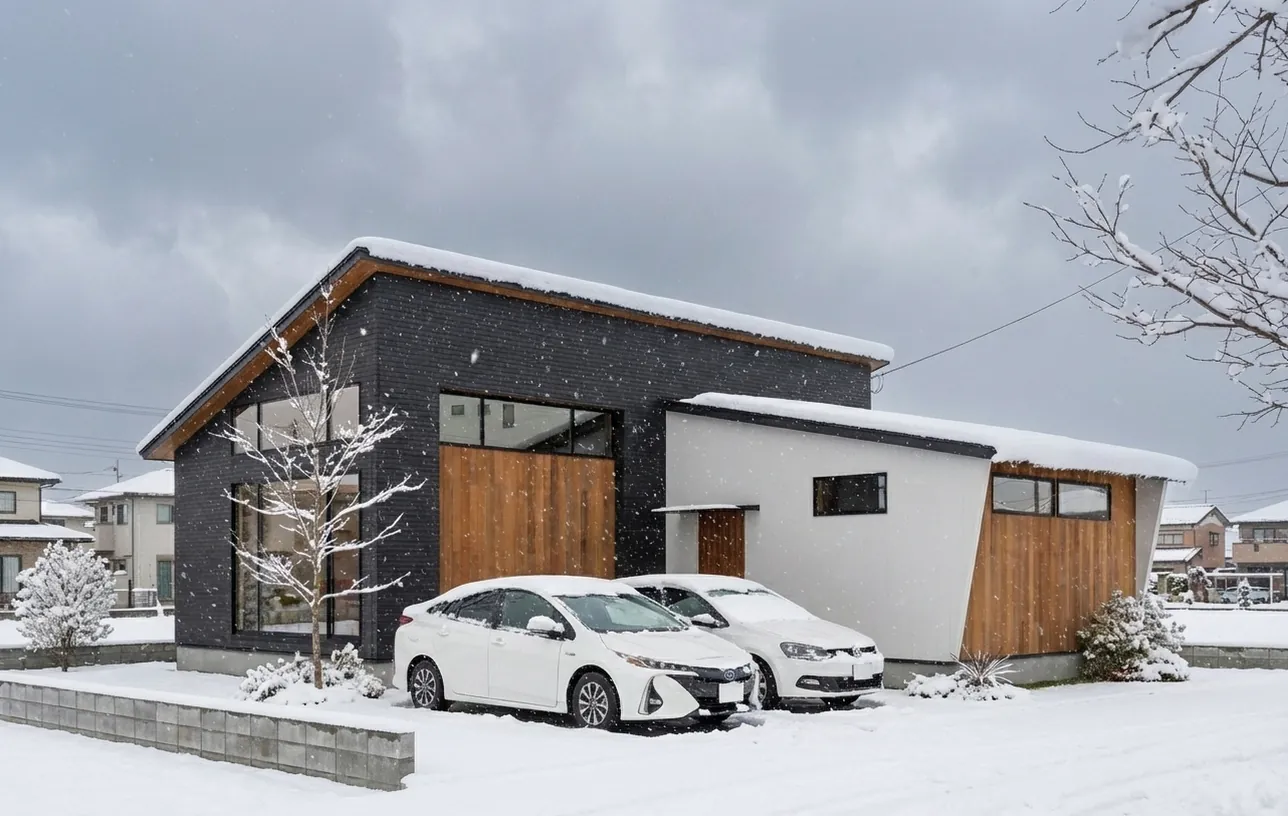
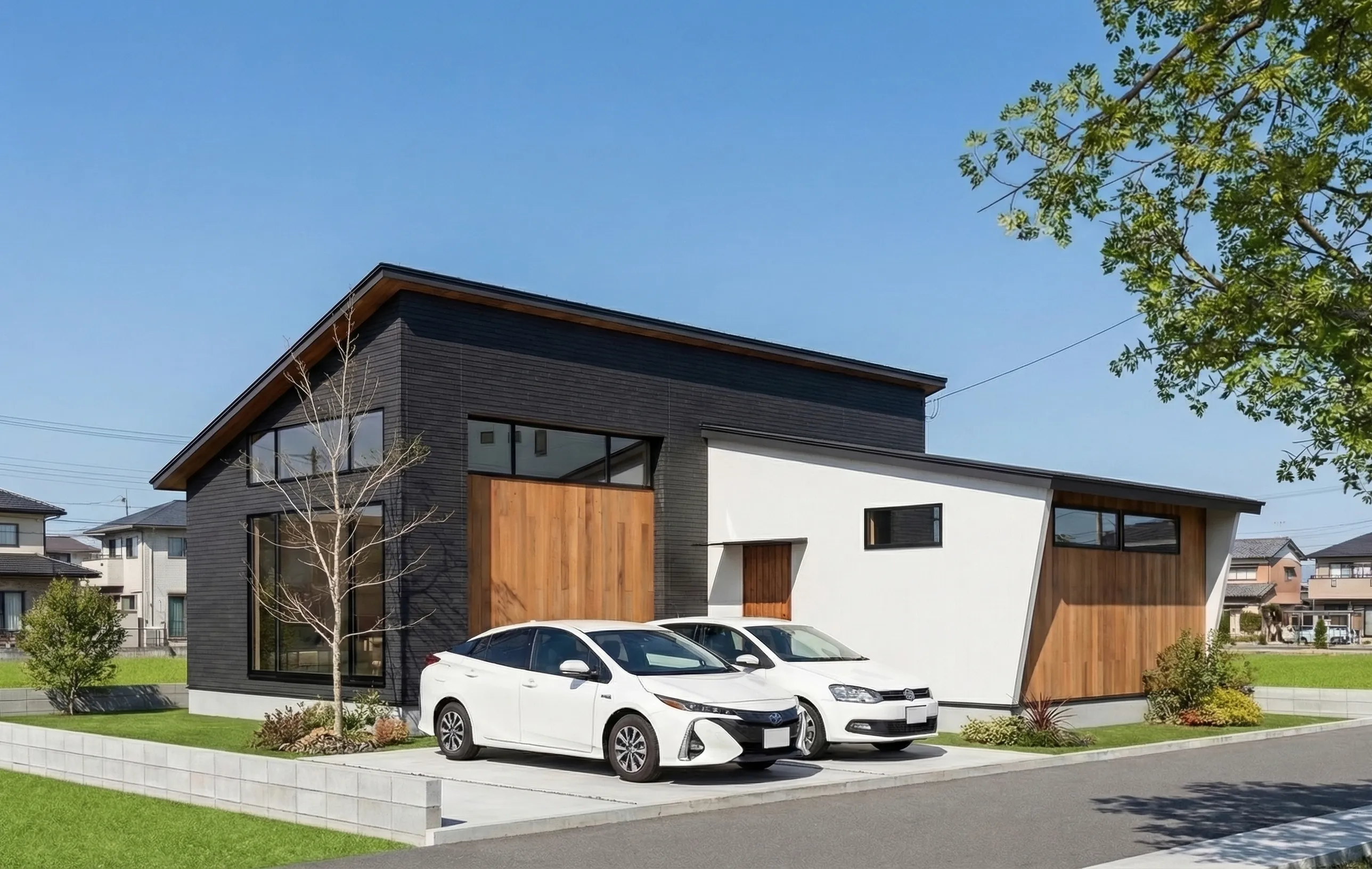
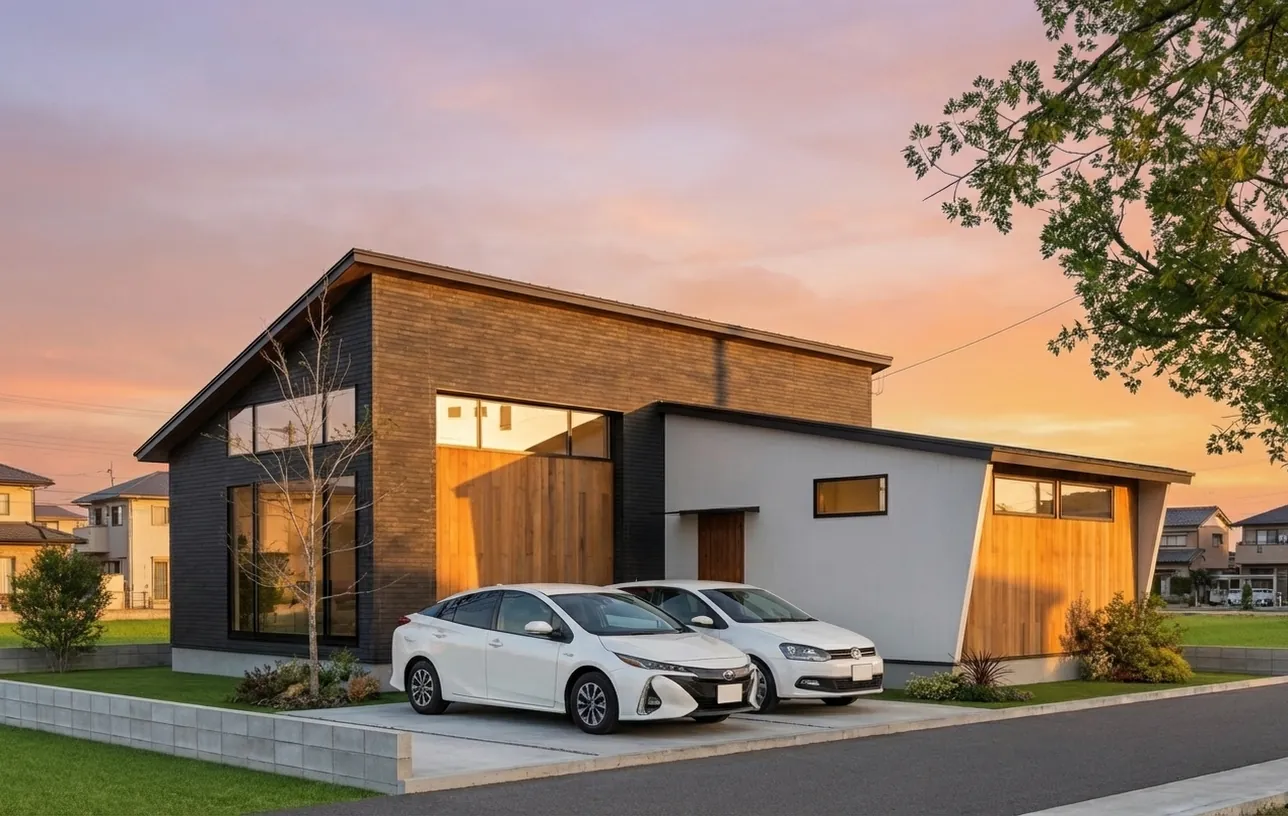
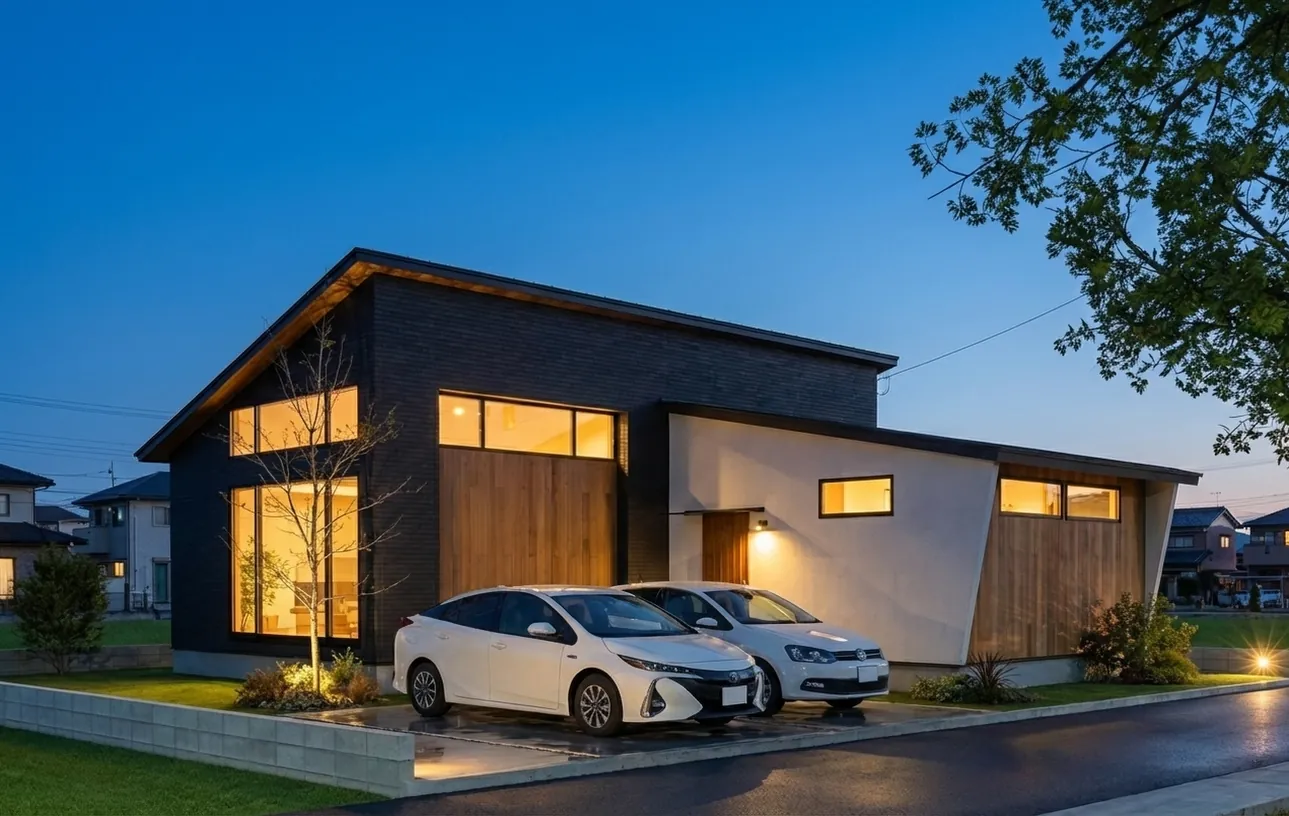
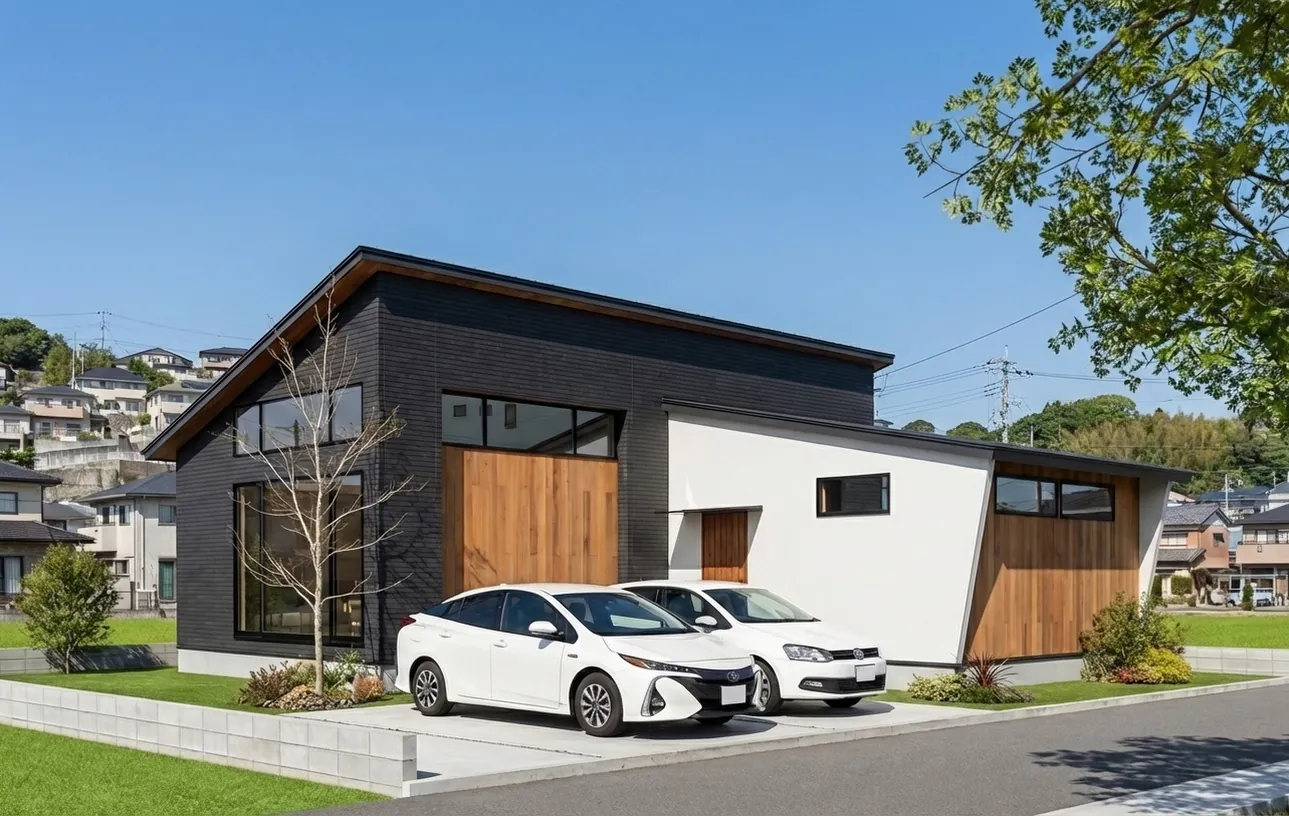
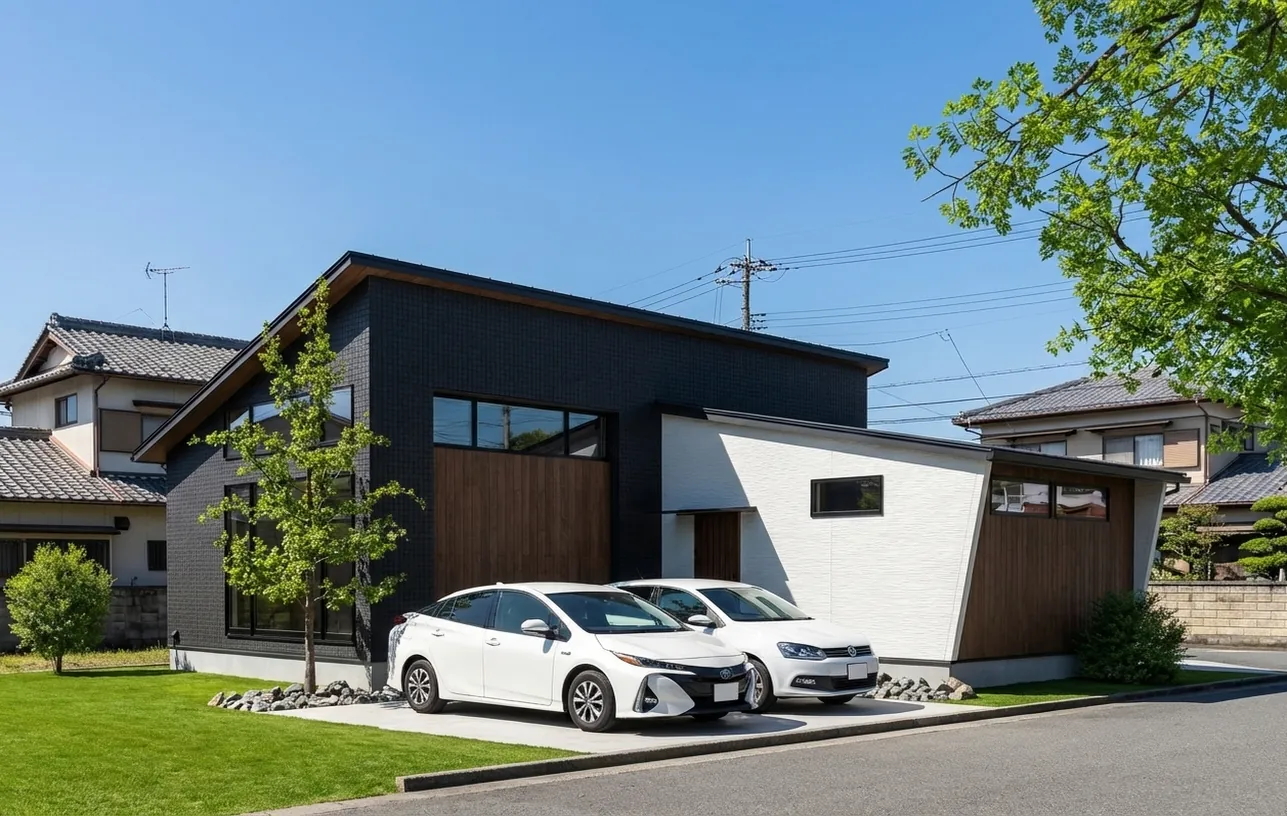
Next-gen AI rendering for architecture

Turn CG renders into
architectural photography.
$0.36/image or more

One click. 30 seconds to transform.
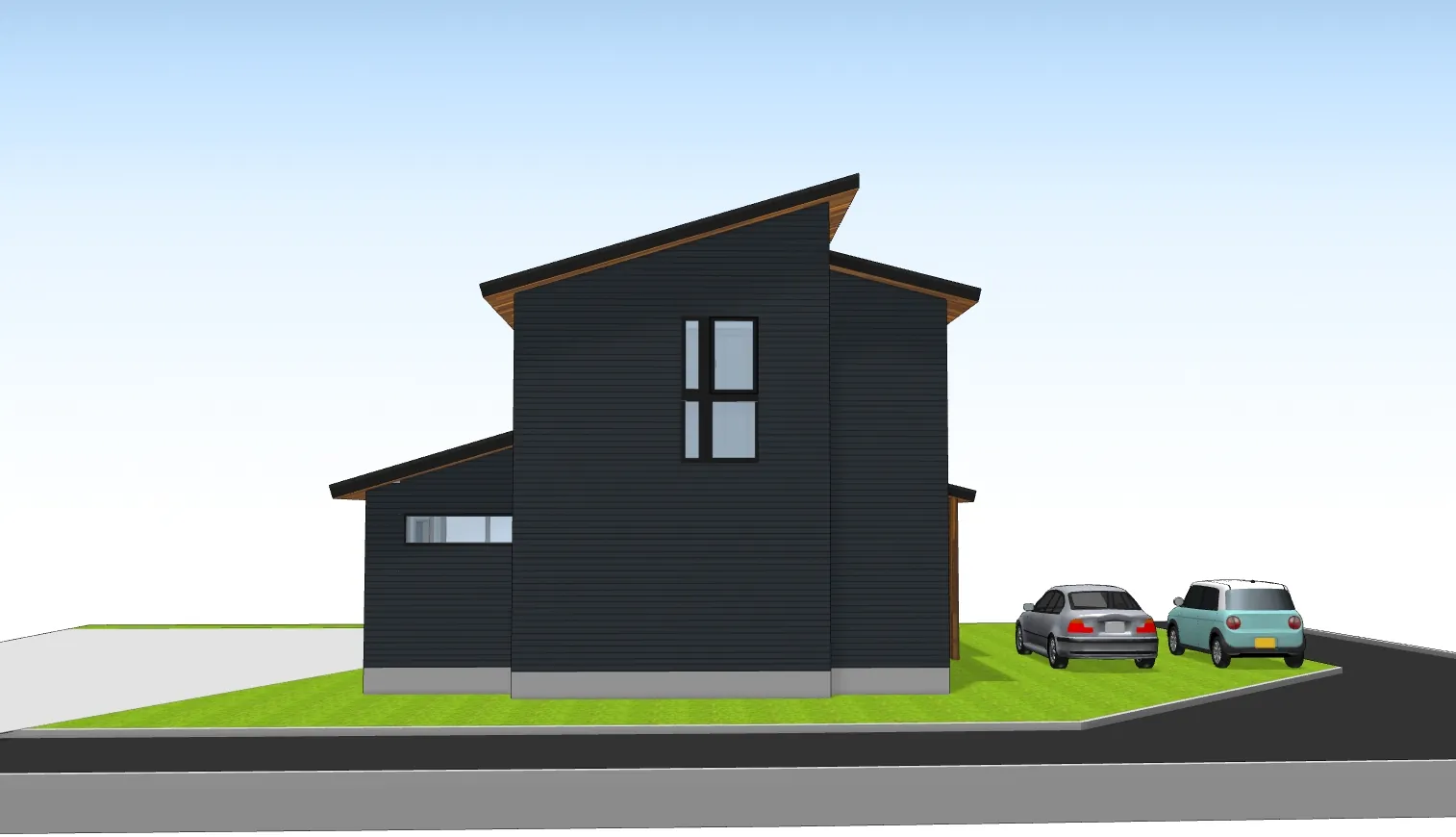
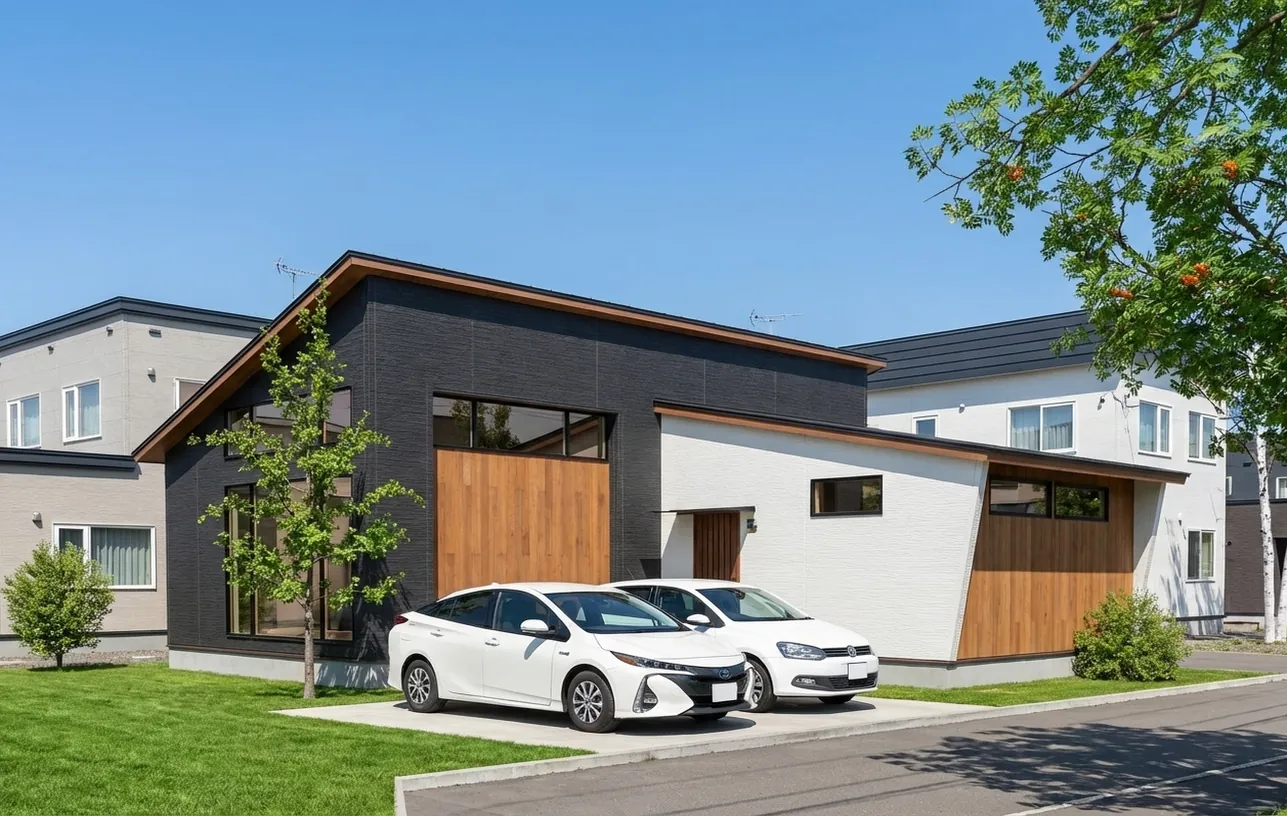
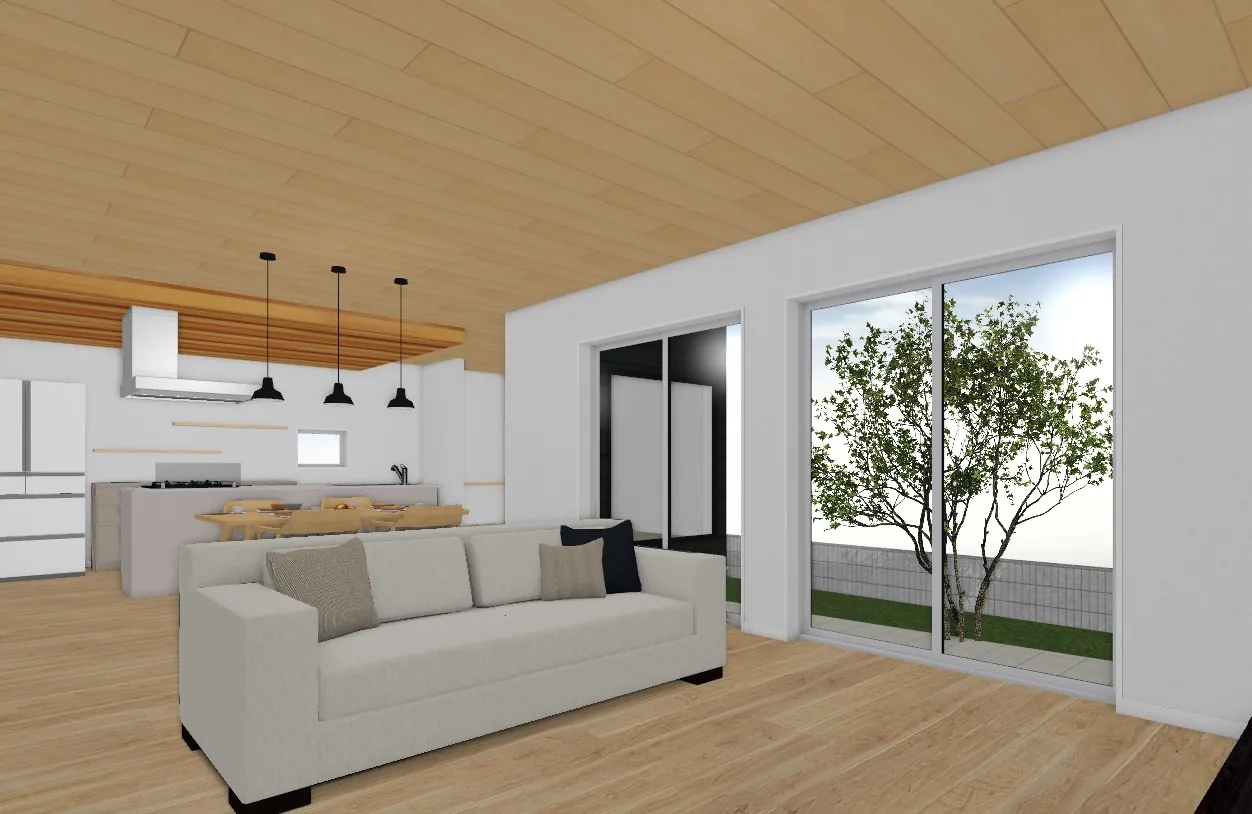
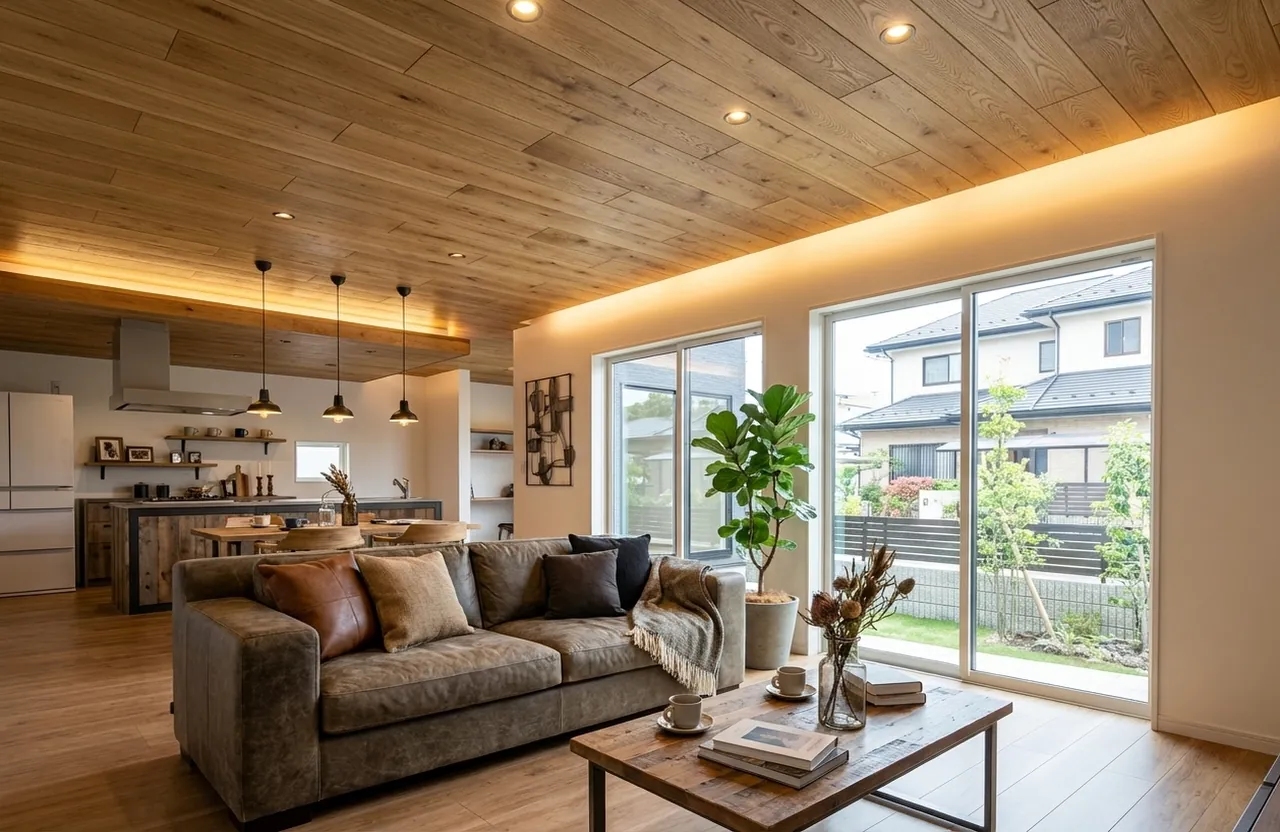
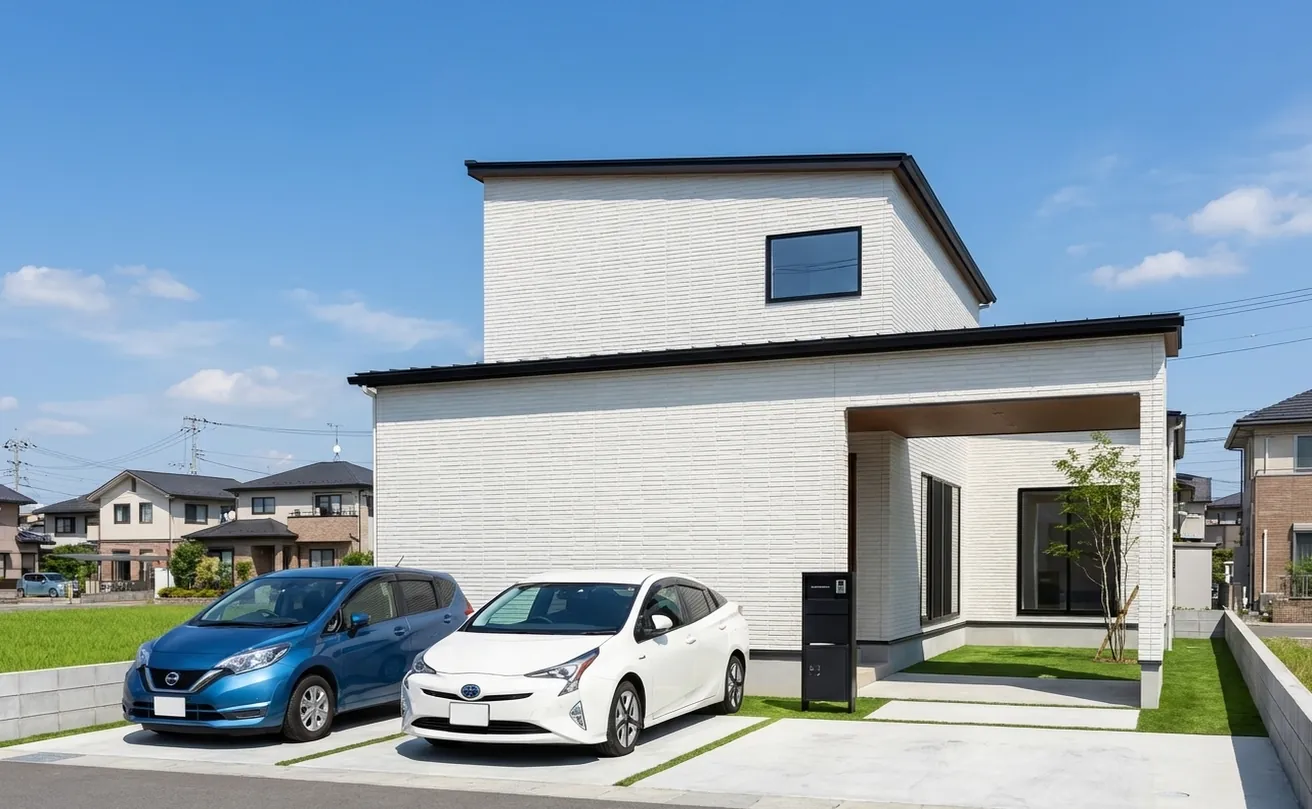
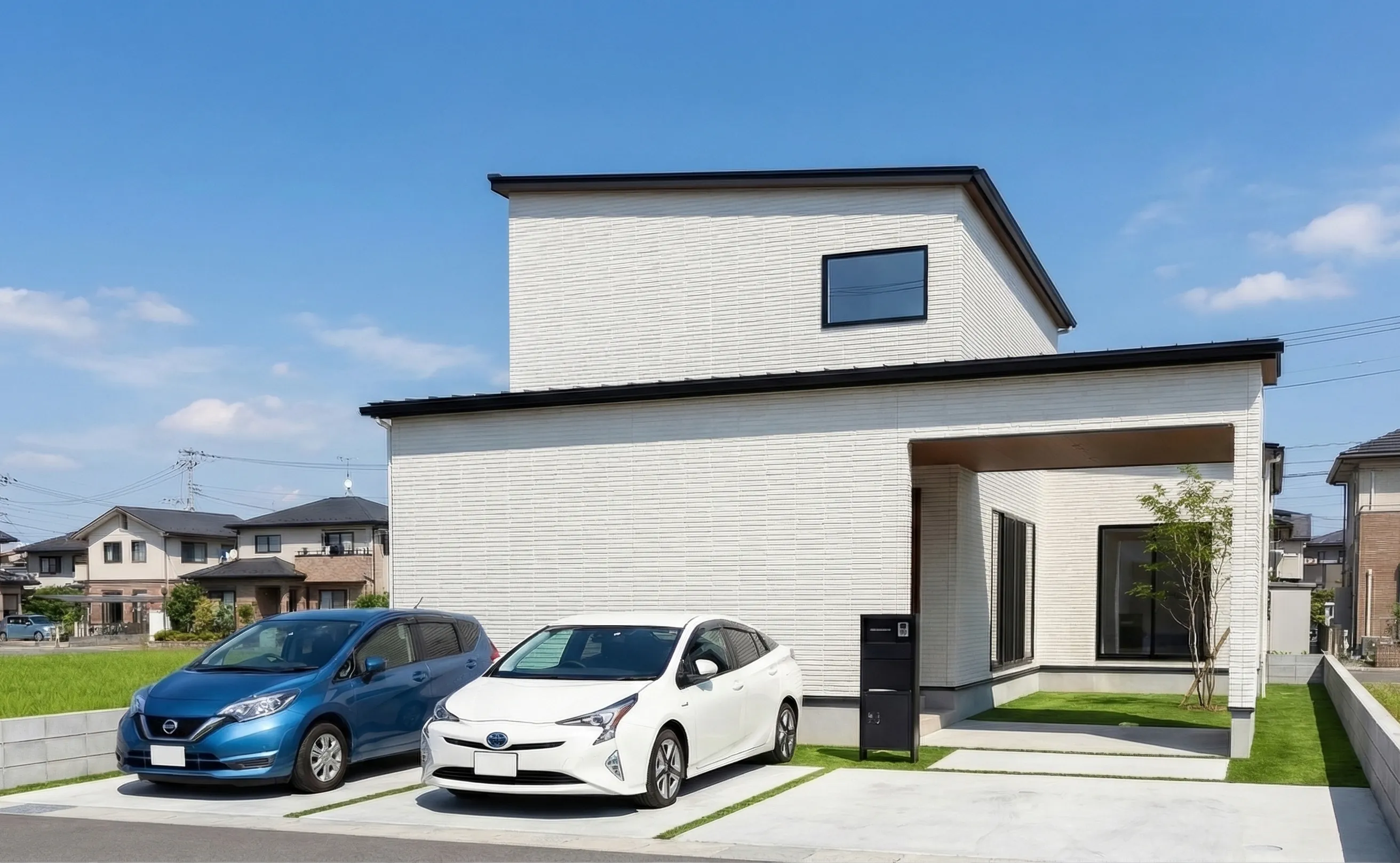
Jw_cad, ArchiTrend, Home Designer, WalkInHome, ALTA, A's, SketchUp, ArchiCAD — convert the preview renders or elevations from the CAD you already use,with zero learning curve, into real architectural photography quality (real shot).

Start 7-day free trial

7 days free / 1,000 pts / No credit card

7 days
free trial
1,000 pts
10 renders at 1K
30 sec~
output time
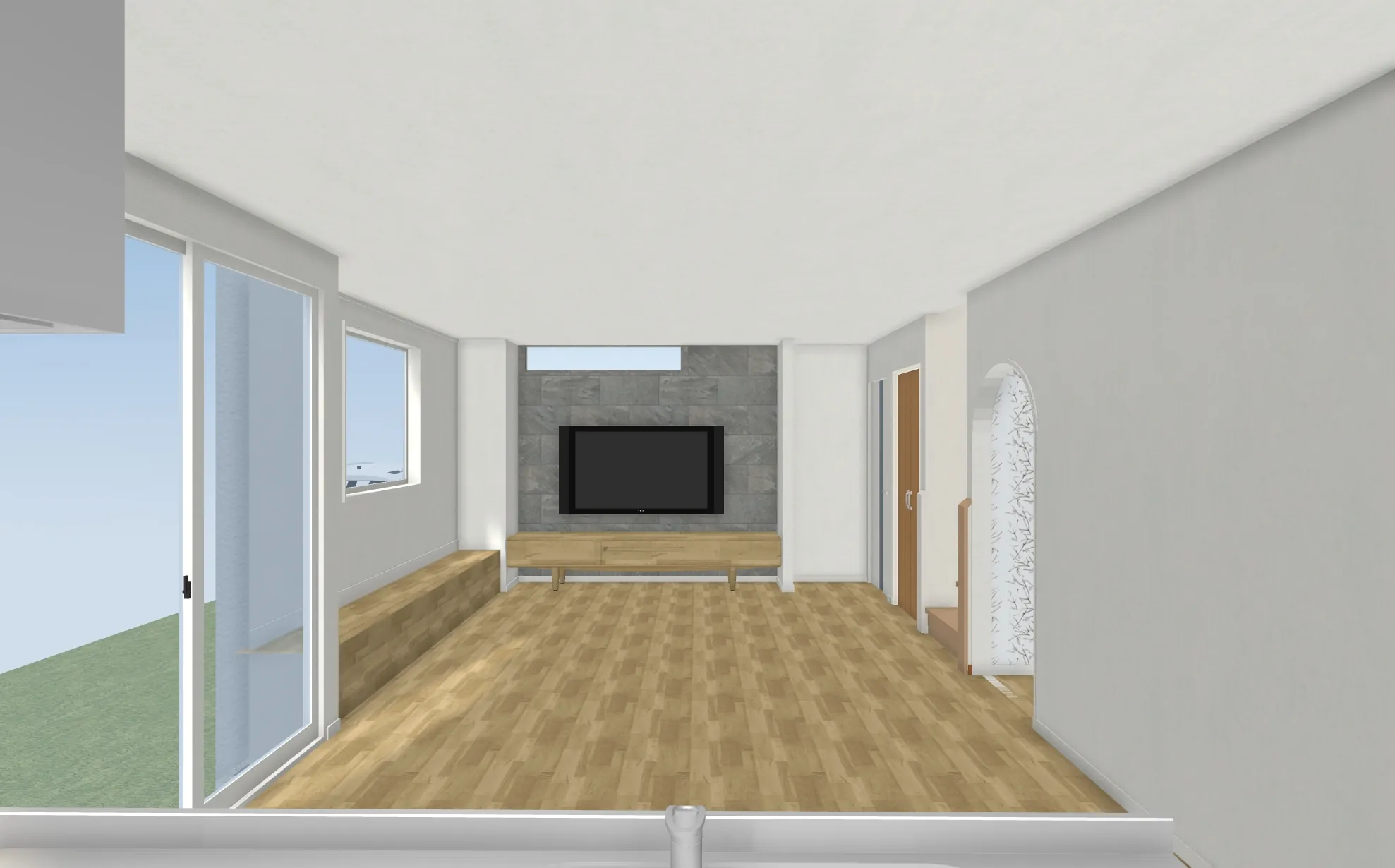
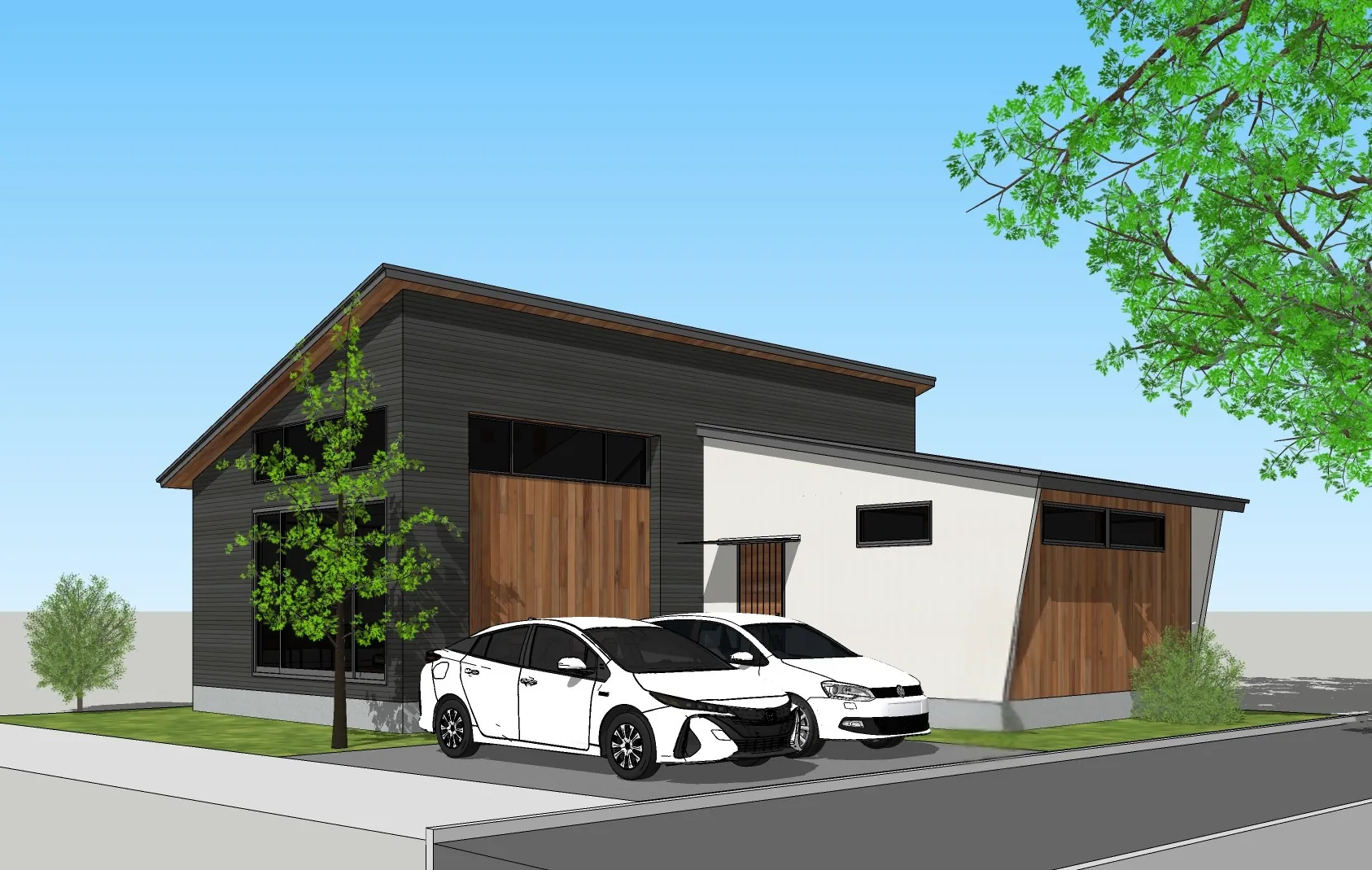
before(CAD)
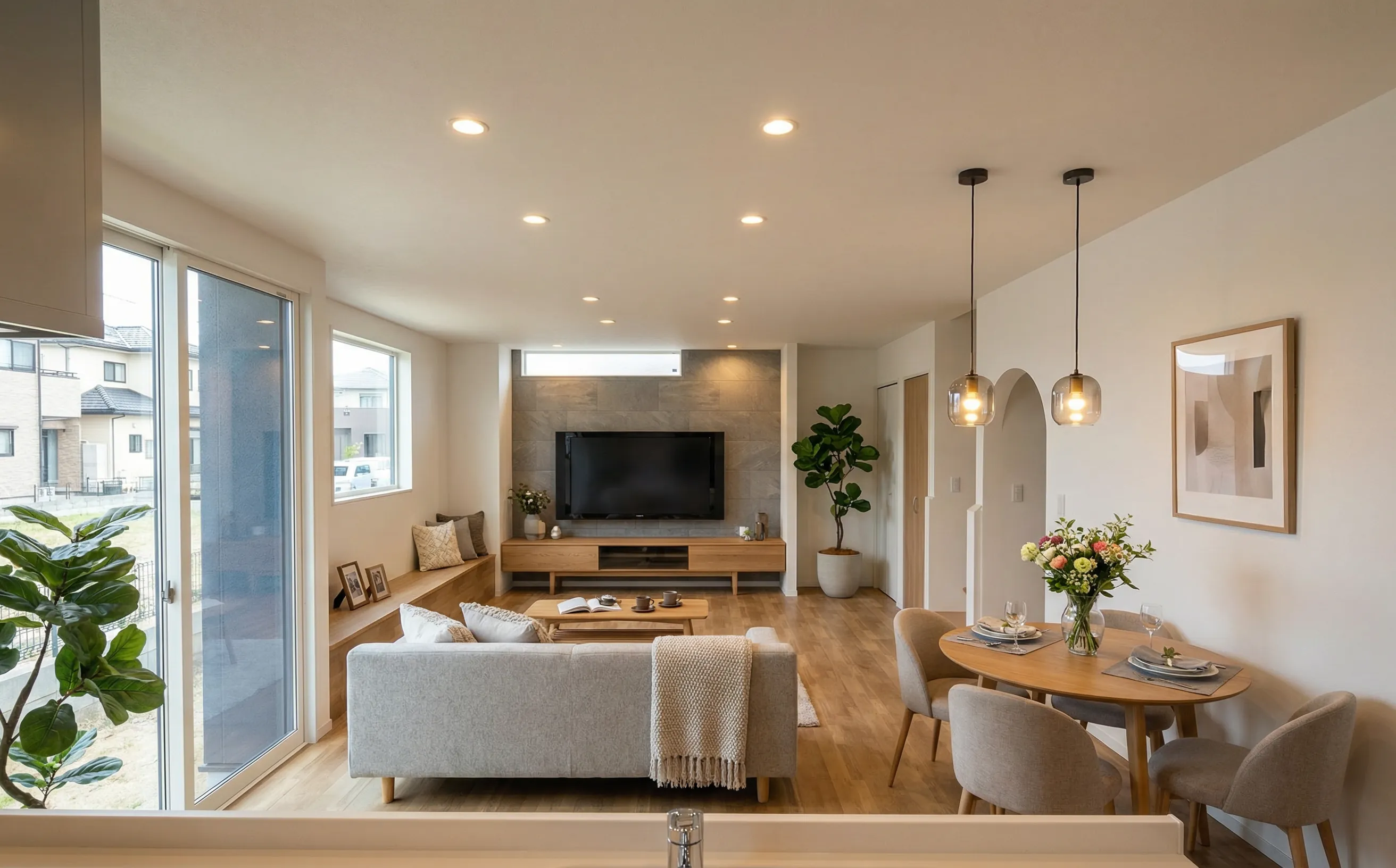
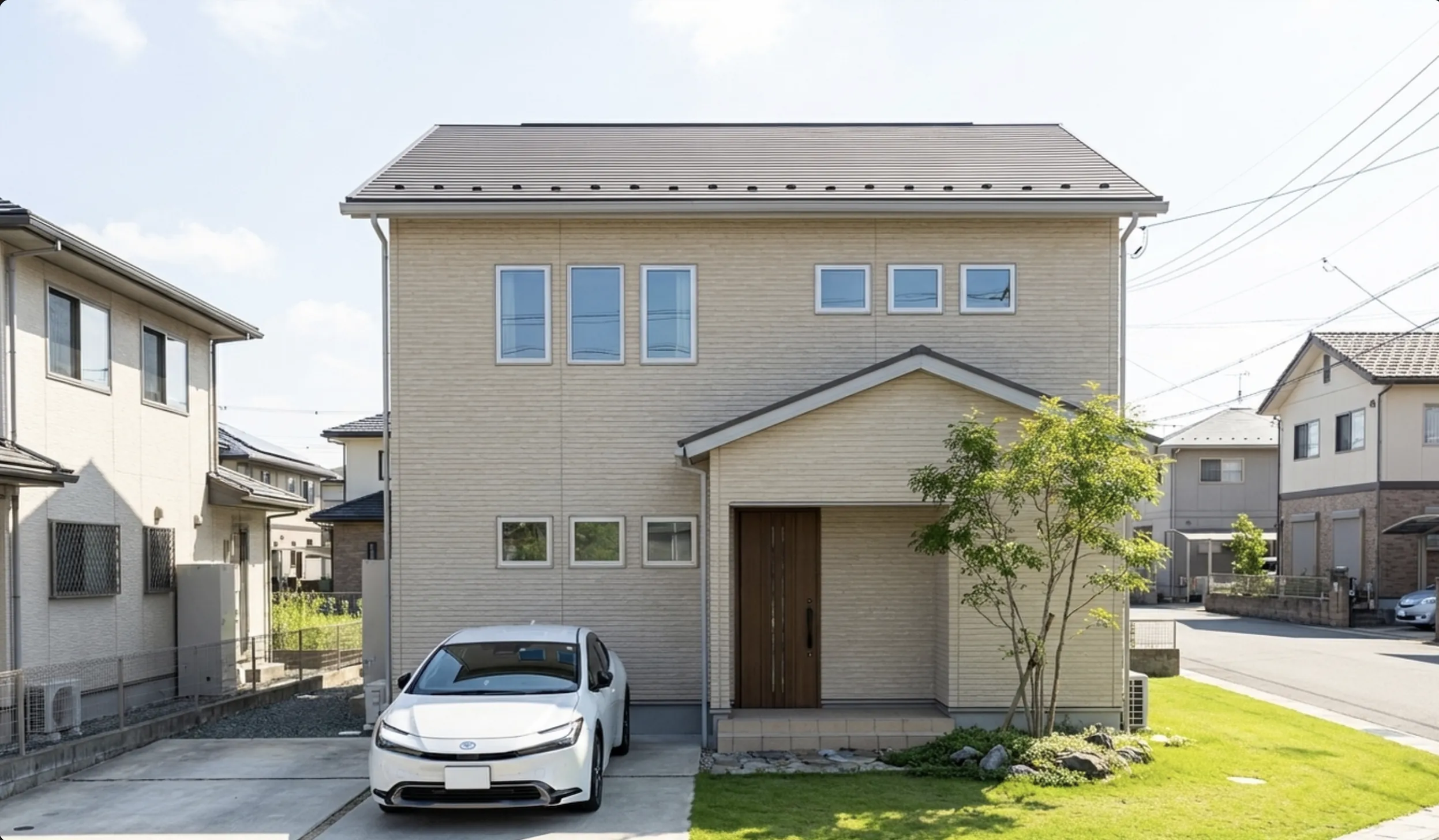
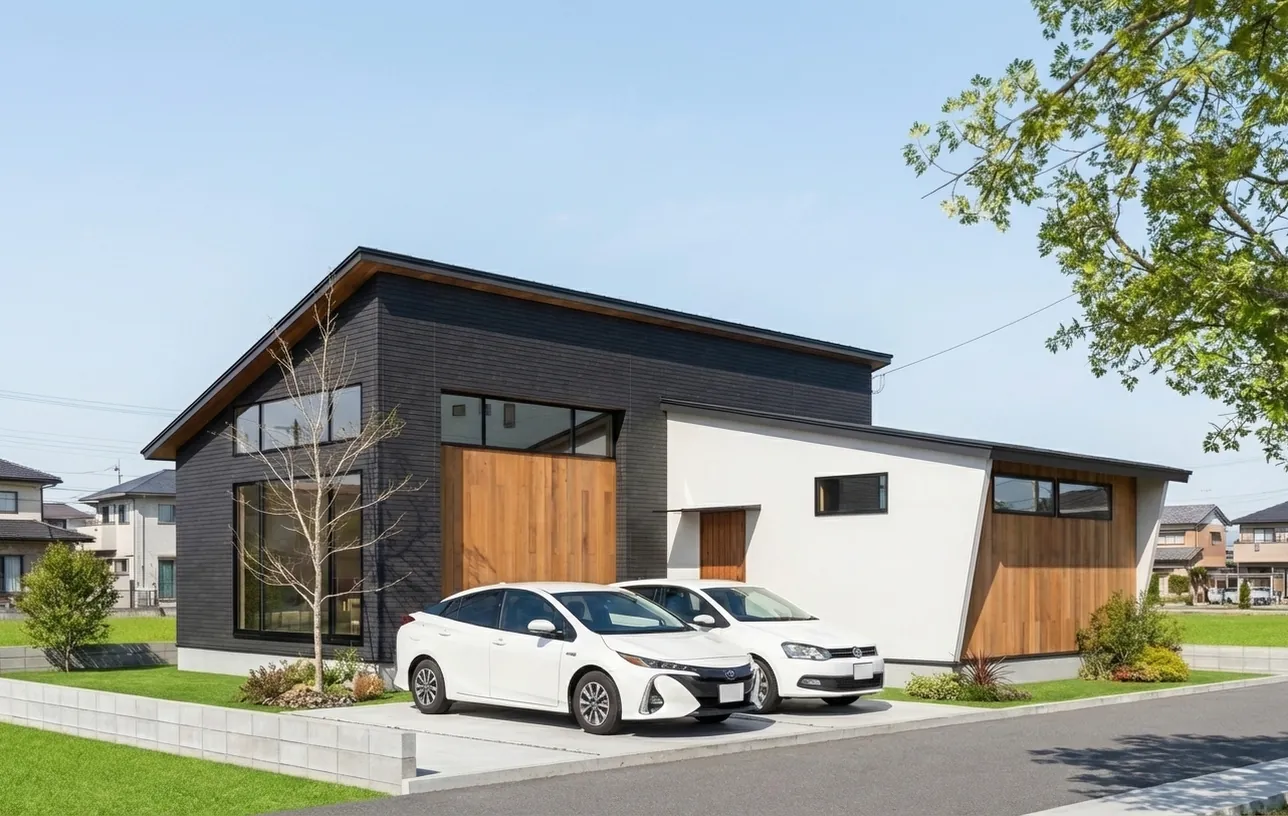
real shot

Sound familiar?

CAD renders still look like CG.
No matter how much you tweak the settings, that CG stiffness remains. Pushing for higher quality means specialized software like Lumion, V-Ray, or Blenderexpensive licenses, high-spec PCs, and hundreds of hours of training. Not practical for sales reps or owners who aren't trying to become rendering artists.
500 hours+Hours to master
Outsourcing is expensive and slow.
Outsourcing firms deliver clean results, but mostly by placing plants and adjusting brightness in Photoshop. $500+ per image, days of turnaround. Every revision costs more money and time. You can't respond to your client's "let's tweak this" on the spot.
$500+Per-image outsourcing cost
Not enough photo-worthy project shots.
Hiring a pro photographer plus staging runs $2,000+ per property. Even then, the landscaping might look weak or the building itself just isn't photogenic. Bad photos hurt more than help. So staff end up shooting on their phonesamateur quality that's hard to actually use for marketing.
$2,000+ / propertyPhotography + staging
AI is fast, but your design breaks.
Image generation AI produces better-looking results than CAD. But windows multiply, walls disappear, front doors change. The exterior looks plausible but uses materials that don't actually exist. You rewrite prompts over and over to fix composition drifttrapped in the speed-versus-accuracy tradeoff.
10-20+ on averageRetry attempts

Rendering accuracy meets
AI creativity.

real shot suppresses unintended modifications to the extreme, preserving your design faithfully with production-grade structural integrity. Window count, roof shape, wall positions — all preserved. We do the obvious things, obviously.

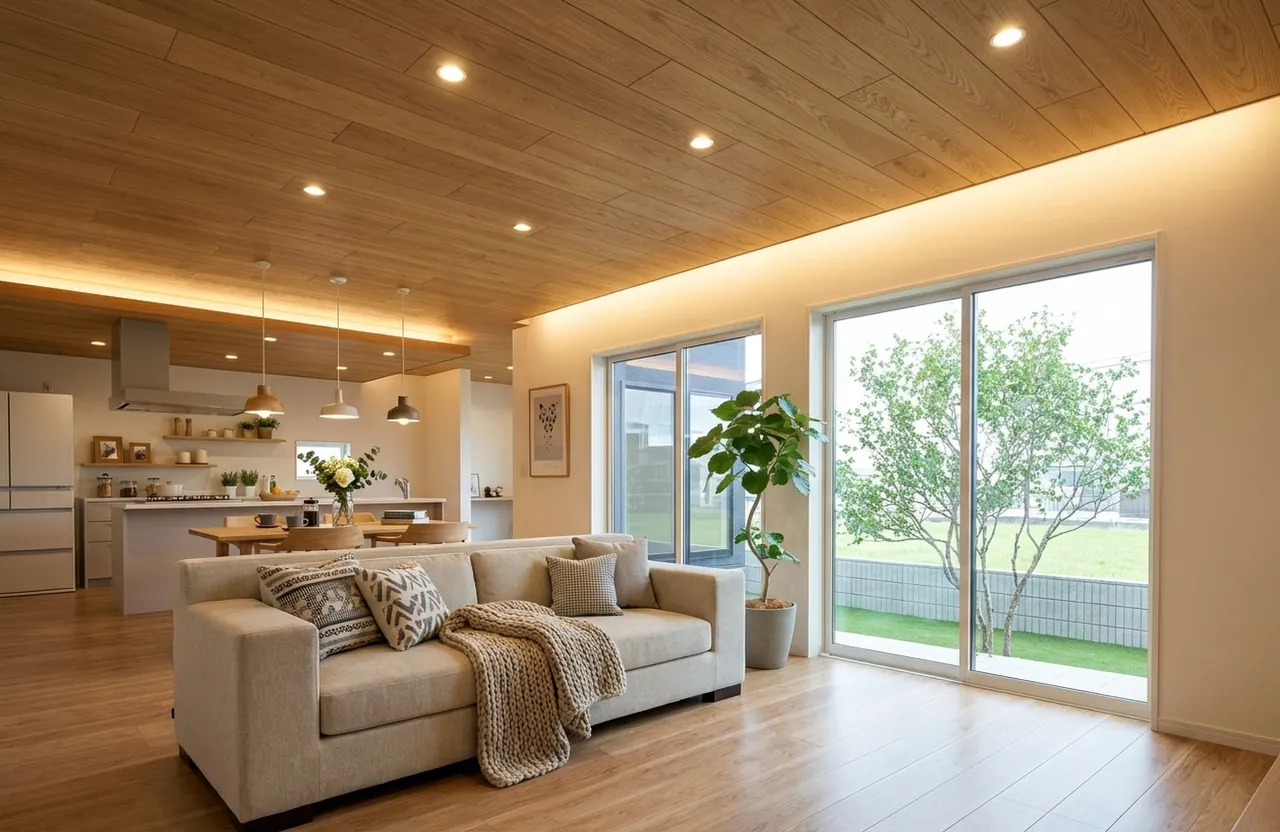
On top of that, AI automatically fills in what CAD didn't model — landscaping, cars, plants, furniture, lighting — producing fully staged architectural photography.

CAD renders: "lack visual appeal"

Image generation AI: "easy but breaks the design"

Outsourcing: "expensive and slow"

real shot breaks through all of these limits.

Rendering accuracy × AI creativity = real shot
real shot outputCAD render
before (CAD)real shot
beforereal shotbeforereal shot
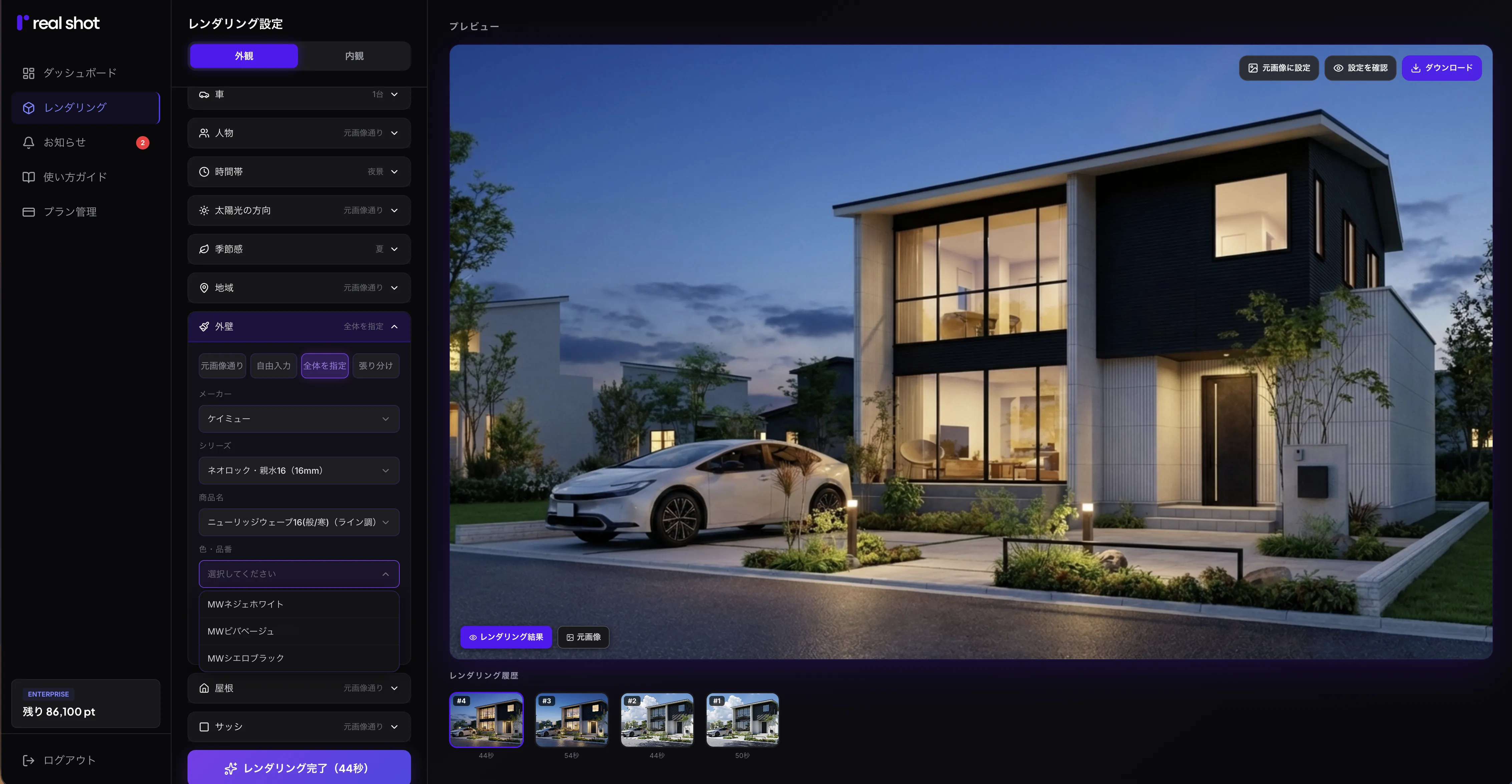
Wall: KMEW Neorock Shinsui 16 Karnak 16 MW Charcoal Black
30 sec~
output time
4K
max resolution
1,300+
materials available
ZERO
training time

All this,
with just a click.

FEATURE 01

Preserves structure

Suppresses unintended modifications to the extreme and preserves your original design faithfully with production-grade structural integrity. The output isn't a CG renderit's real architectural photography.

real shotBeforebefore (CAD)real shot
FEATURE 02

Any CAD.
Zero learning curve.

Jw_cad, Home Designer, ArchiTrend, WalkInHome, ALTA, A's, ArchiCAD. Just upload an image. No high-spec PC required. Everything runs in your browser.

beforereal shotbeforereal shot
FEATURE 03

Specify real materials by product code

Nichiha, KMEW, IG Kogyo. Pick real manufacturer materials sold in Japan with one click from the catalog. No need to go back to CAD to swap textures.

Material catalog

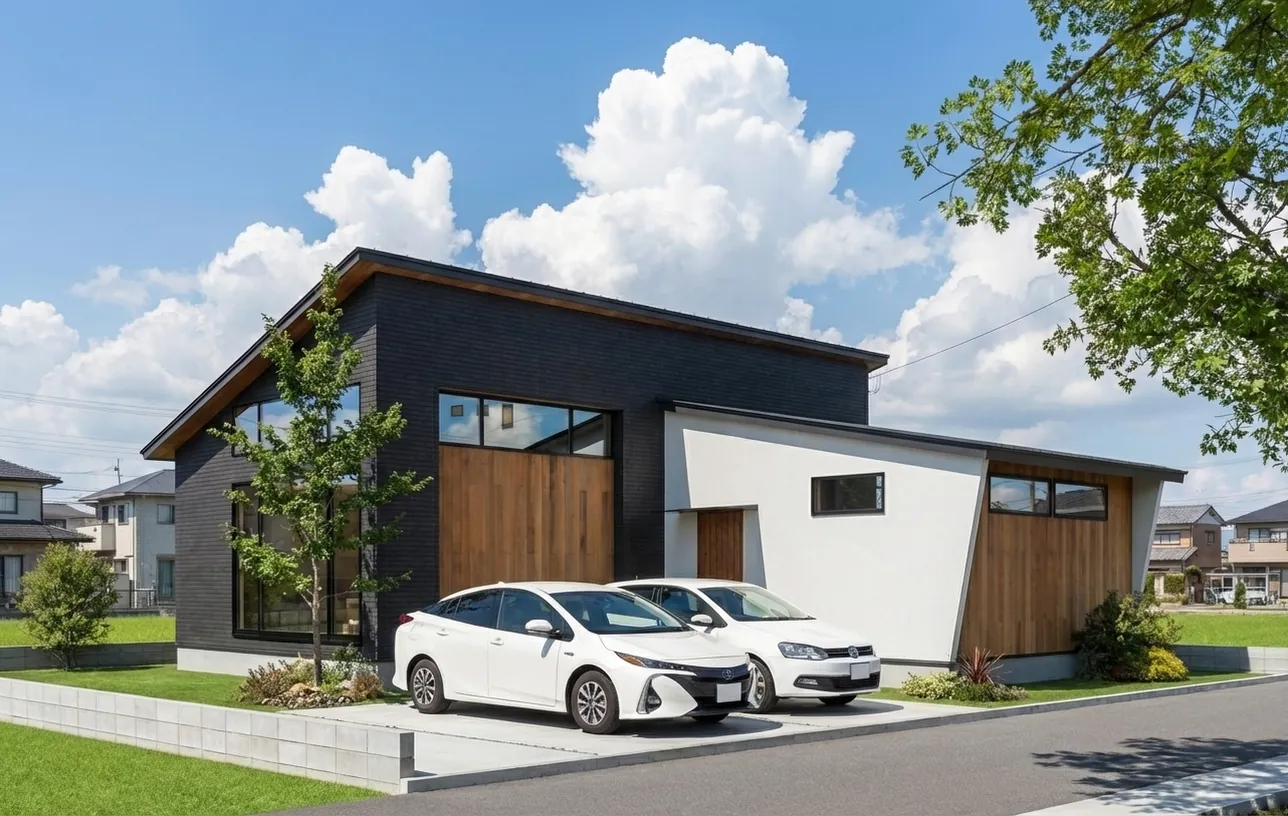
Seasons

Just pick a season — plants, sky, and light tones adjust automatically.

OriginalOriginal
SpringSpring
SummerSummer
AutumnAutumn
WinterWinter
SnowSnow

Time of Day

Choose a time of day — sun position, shadows, and sky mood shift realistically.

OriginalOriginal
MorningMorning
EveningEvening
NightNight

Region

Specify any region or city name, and the background streetscape matches that location.

OriginalOriginal
NagasakiNagasaki
KyotoKyoto
HakodateHakodate

Interior Style

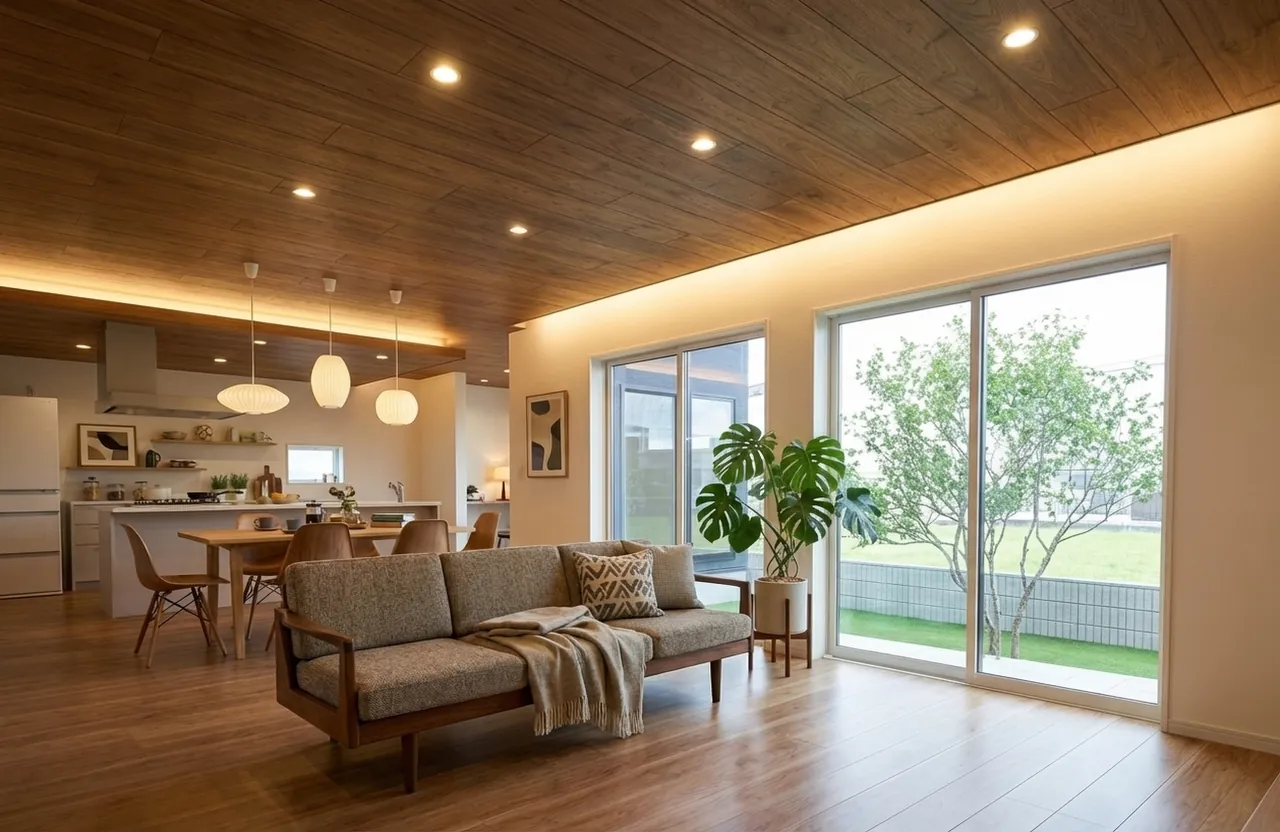
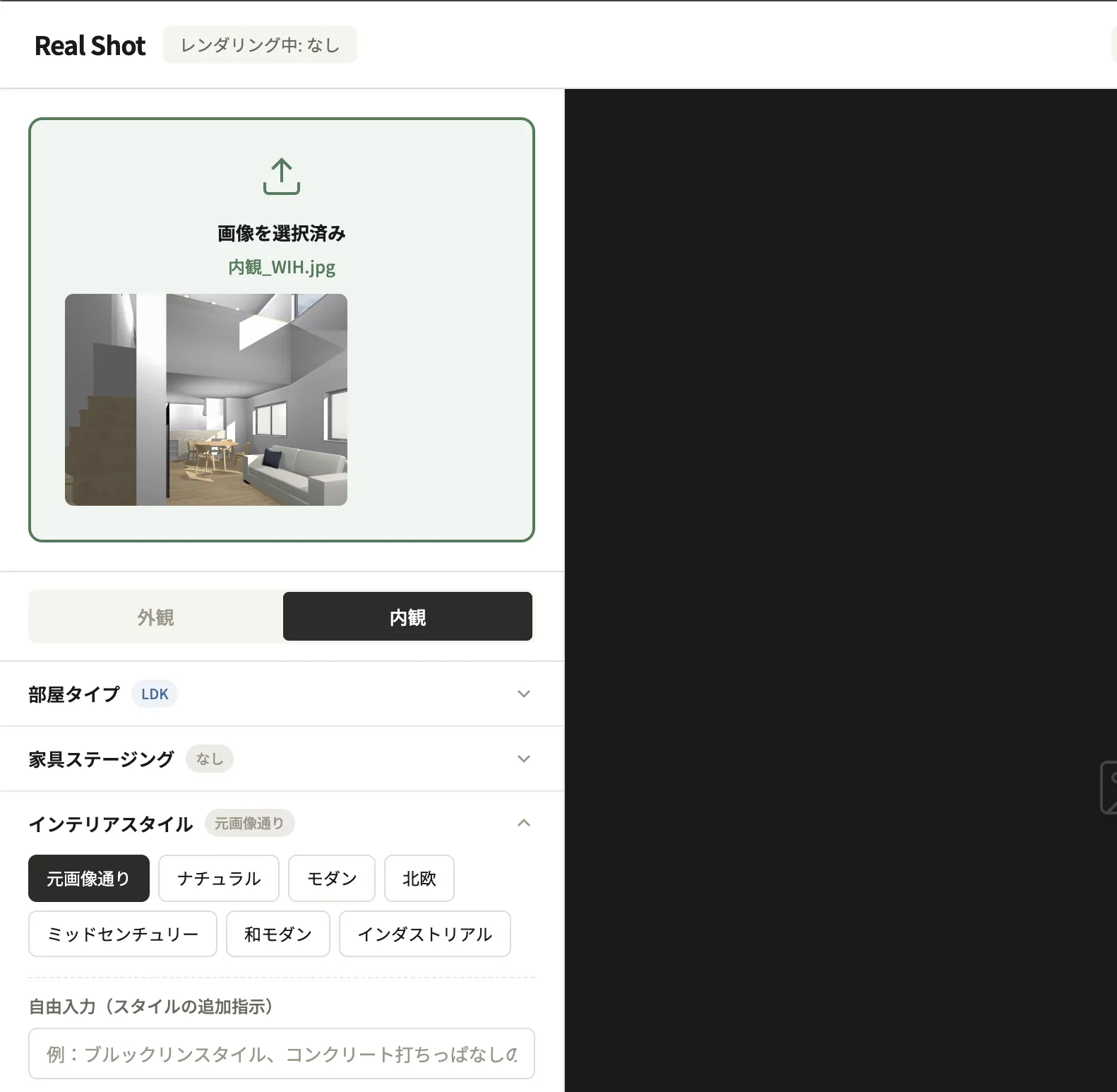
Just pick an interior style — furniture, lighting, and material textures adjust automatically.

OriginalOriginal
ScandinavianScandinavian
Mid-centuryMid-century
IndustrialIndustrial

Exterior

  • Landscaping (Japanese Ash, Chinese Ash, Olive, Japanese Holly, Dogwood)
  • Seasonal atmosphere (Spring, Summer, Autumn, Winter, Snow)
  • Region-specific streetscape backgrounds
  • Time of day (Morning, Afternoon, Evening, Night)
  • Cars (Toyota, Nissan, Honda latest models)
  • Sun direction (left/right, front, backlit)
  • Walls (KMEW, Nichiha 16mm series, IG Kogyo Galvanum)
  • Window frames (YKK, LIXIL colors)

Interior

  • Room types (LDK, bedroom, entrance, bath/vanity, kids' room, Japanese-style room, study)
  • Furniture staging
  • Interior style (Natural, Modern, Scandinavian, Mid-century, Japanese Modern, Industrial)
  • Lighting (pendant, downlight, track, chandelier)
  • Indirect lighting (cove, cornice, TV back-wash, under-shelf)
  • Time of day (Morning / natural light, Afternoon / angled, Evening / warm, Night / lights only)

No prompts required. Just click to select. Any request not listed here can be entered as free text.

Why ?

VS

CAD Rendering

real shotCAD Rendering
Image qualityReal architectural photography qualityCG render (typical CG stiffness)
Landscape, plants, carsAuto-filled by AIManual placement required
Material changesSelect product code →30 secSwap in CAD → re-render
LightingAuto-optimized by AIManual setup (expertise needed)
Output time30s – 1 minSeveral to tens of minutes
Cost$16+/moSometimes bundled
VS

AI image generation tools

real shotGeneral AI image generation
Structure preservationModifications suppressed to the extremeWindows, walls, roofs change
Material selectionReal materials by product codeText input like "wood-look"
OperationClick only. No prompts needed.Prompt engineering required
CAD supportJust upload an imageMay require plugins
Image qualityArchitectural photography qualityOften retains CG feel
Target useSales and client presentationsIdeation and productivity
VS

High-end rendering software & outsourced renders

Comparison with high-end software used by architecture firms and CG render production companies

real shotLumion ProV-Ray + SketchUpOutsourced render
Annual cost$192+$1,149+$819+1 images5001,500/image
First-year total cost$192+$3,149+$2,819+
Dedicated PCNot requiredRequired ($2,000+)Required ($2,000+)Not required
Learning periodZeroSeveral weeks to 1 months36 months
Output time30s – 1 minSeveral to tens of minutesTens of minutes to hoursSeveral days to 1 weeks
Who can use itAnyoneArchitects and specialistsRendering specialistsOutsourcing firms

* Competitor prices are approximate USD market rates for reference.

Turn CG renders into architectural photography.

One click. 30 seconds to transform.

Start 7-day free trial

7 days free / 1,000 pts / No credit card

It's just
3 steps.

01

Upload

Upload

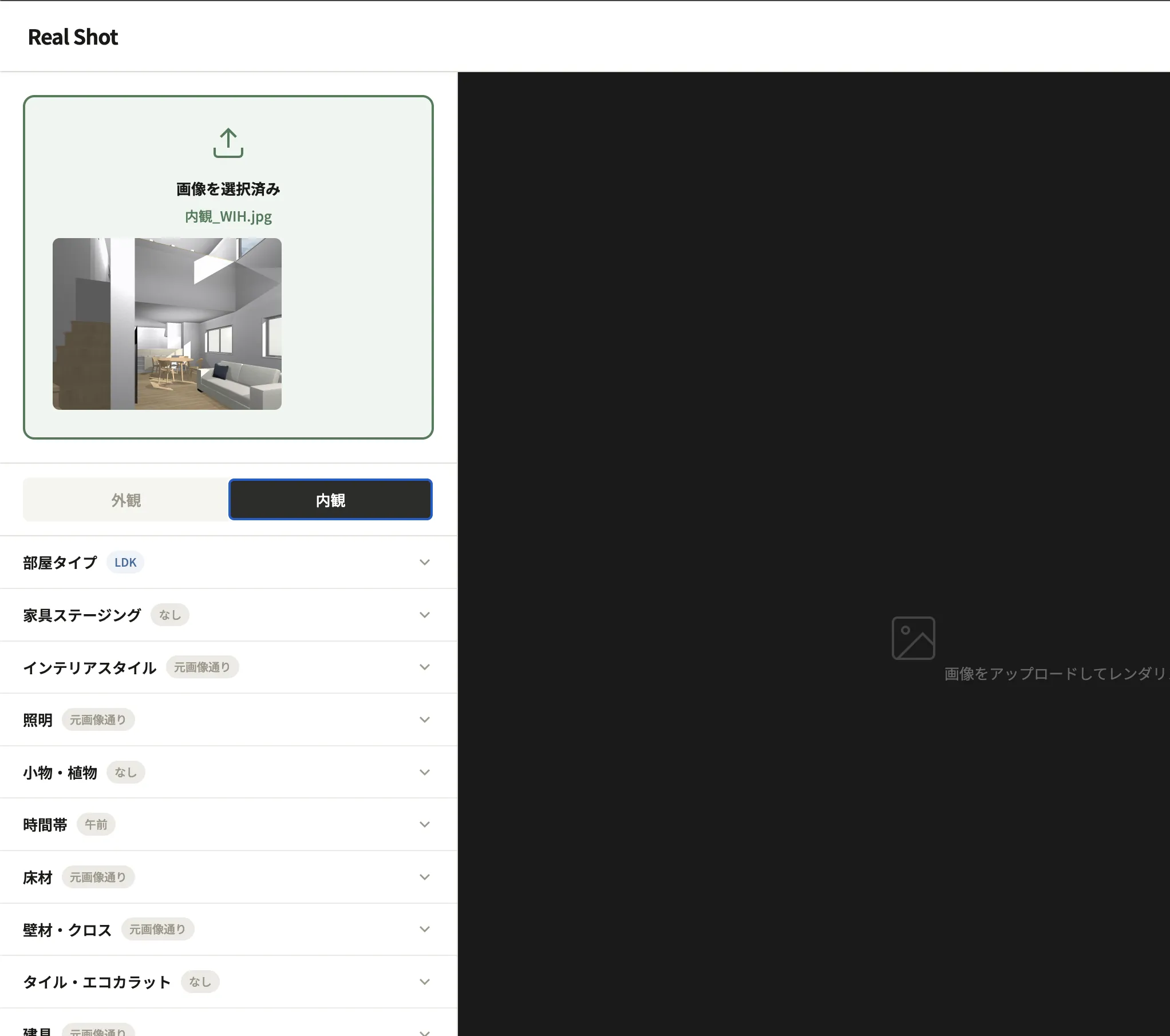
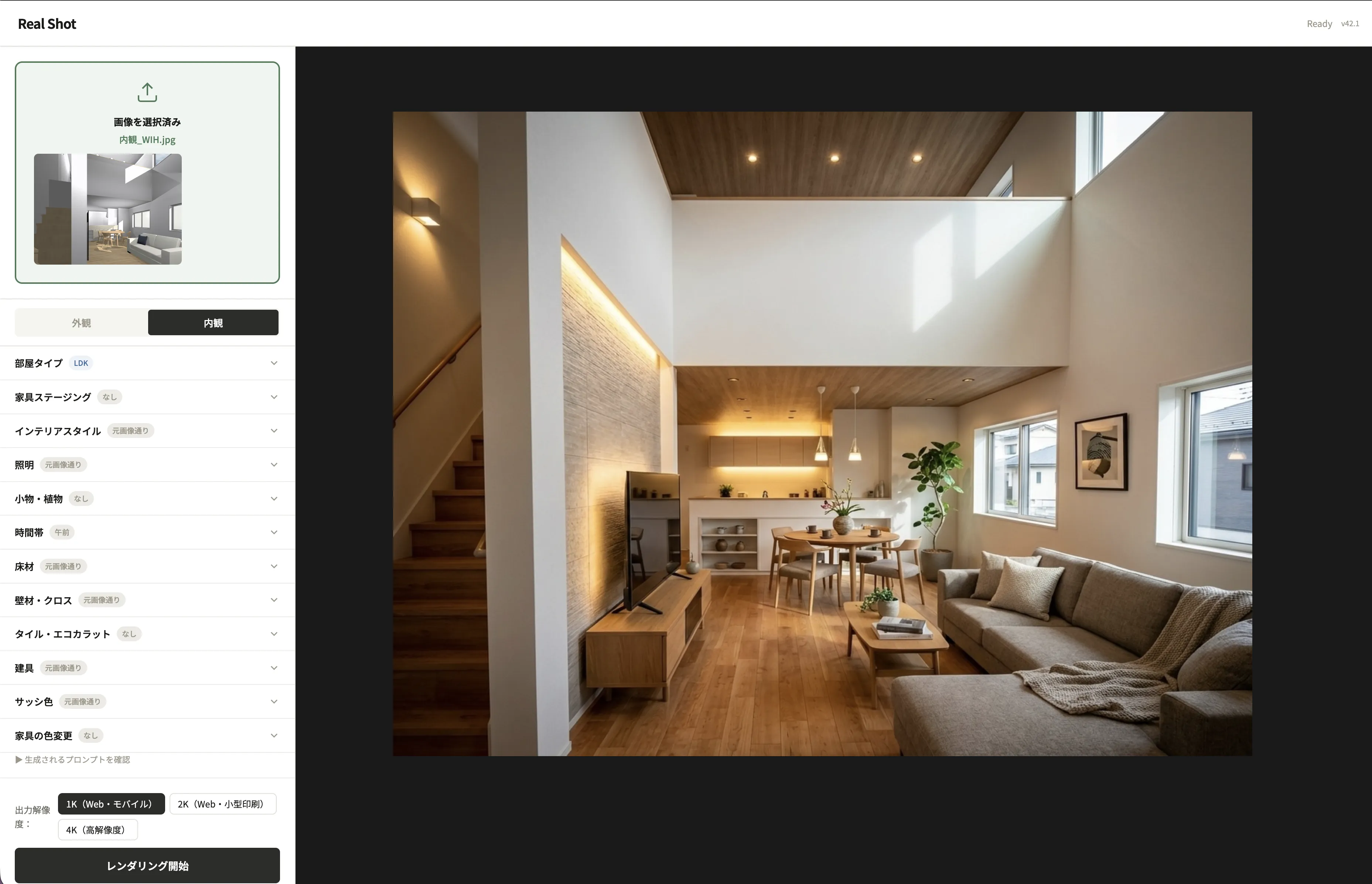
Drag and drop your interior render. CAD 3D views, 2D drawingsany format works.

02

Select

Select

Click to pick room type, interior style, and furniture staging. No prompts required.

03

Generate

Generate

In 30 seconds to 1 minute, you get professional-quality interior photos. Use them directly in client presentations.

The developer

Built by someone who has
delivered "anyone can use it"
to the field.

No matter how much you tweak CAD renders, they stay in the realm of CG. Pushing for higher quality requires Lumion or V-Ray — expensive, hundreds of hours to learn. Outsourcing costs tens of thousands of yen per image, with days of turnaround. Image generation AI is fast, but windows multiply and walls disappear. Speed and accuracy have always been a tradeoff.

I've experienced all of this firsthand.

I have designed homes and residential projects both in Japan and abroad. As a new-business sales rep for residential CAD, I led all 6 major home builders to adopt it. Over 12 years I ran 3,800 client design consultations with a 60% close rate, and systematized what I learned into the "6 Principles of Design That Sells."

Internationally, I've worked on residential design in Lithuania, led the winning entry for the Baltic Pavilion at Osaka-Kansai Expo (as Japan's lead construction producer), and designed/conceptualized Universal Home's 30th anniversary product "Novel" (Kids Design Award 2025 Chairman's Special Award), among other product development achievements.

In the late 1990s, rendering was the exclusive domain of million-yen workstations and specialists. In that era, I delivered "one-click rendering CAD for anyone" to home builder sales reps and changed the industry's conventional wisdom.

Today's situation is the same. Only one thing is different. Back then, I lowered quality slightly to make it usable for everyone. This time, I've raised quality while making it usable for everyone.

Zero learning curve, usable by anyone — new hires, office staff — affordably producing quality that surpasses high-end rendering software. I kept developing to solve all of this, and real shot is the result.
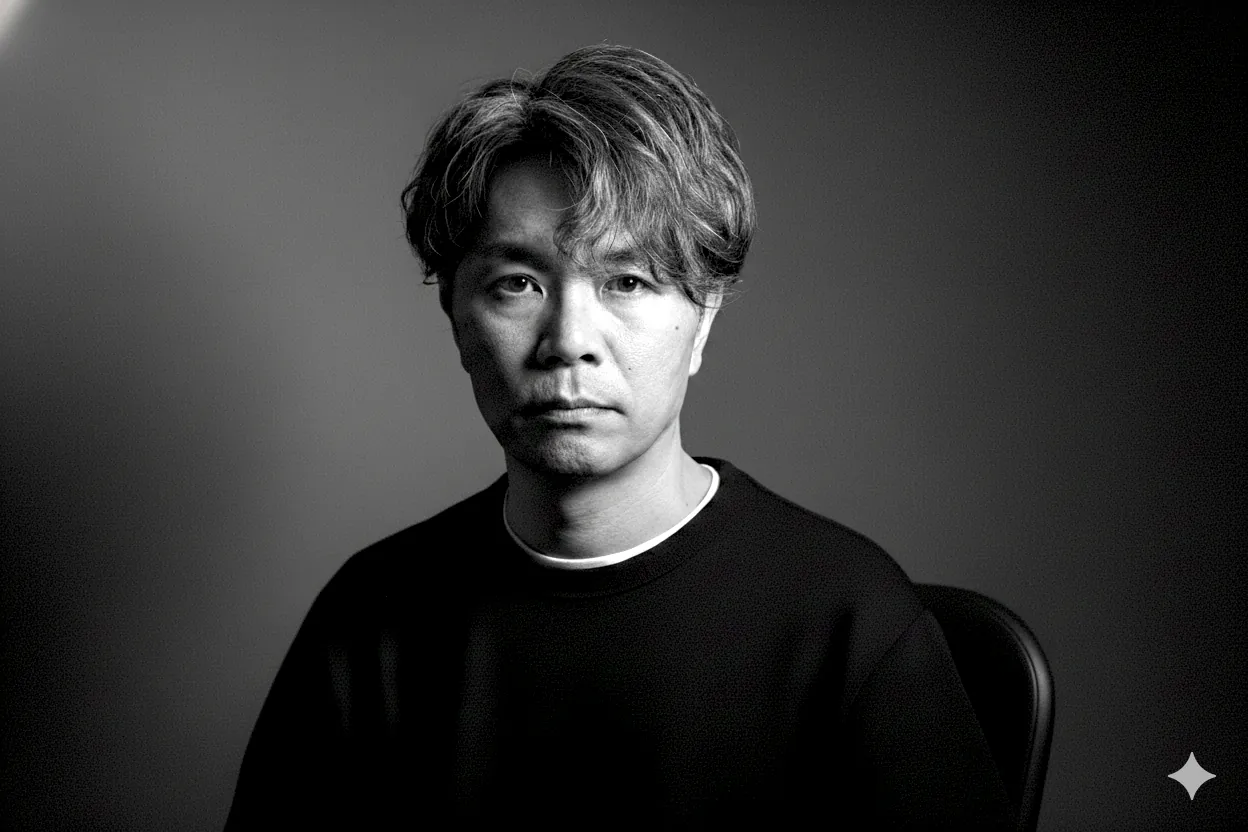
Tomomi Inoue
Founder & Developer
Artistique Inc.

Simple pricing

Lite
$16/mo
2,500 pt / mo
+500 pt yearly bonus
Concurrent devices: 1
≈ 20 images at 1K
Select
  • 2,500 points / mo
  • 1K / 2K / 4K supported
  • Concurrent devices: 1
Starter
$33/mo
5,500 pt / mo
+500 pt yearly bonus
Concurrent devices: 1
≈ 50 images at 1K
Choose
  • 5,500 points / mo
  • 1K / 2K / 4K supported
  • Concurrent devices: 1
Business
$107/mo
30,500 pt / mo
+500 pt yearly bonus
Concurrent devices: 5
≈ 300 images at 1K
Choose
  • 30,500 points / mo
  • 1K / 2K / 4K supported
  • Concurrent devices: 5
For Enterprise plan inquiries, Contact sales

Resolution differences

Wall used: Nichiha Moen Excerad 16 Grand Spec 60 Shleck Stra MG White

1K resolution
1K
Preview & review
4K resolution
4K
For print materials, signage, large panels
Free trial

7 days free / 1,000 pt / 1K only (no 2K or 4K) / 1 device / no credit card required

Turn CG renders into architectural photography.

One click. 30 seconds to transform.

Start 7-day free trial

7 days free / 1,000 pts / No credit card

Frequently asked questions

If you have any questions,
please feel free to contact our support team.

Contact support →
It's a tool that fuses the strengths of both. Like rendering software, it preserves your original design structure faithfully, while AI automatically fills in landscaping, cars, plants, furniture, and lighting.
No. Just upload an image from any CADJw_cad, Home Designer, ArchiTrend, WalkInHome, ALTA, A's, ArchiCAD, and more.
We've engineered it to suppress unintended modifications to the extreme. Unlike typical AI image generation tools where window counts or roof shapes change on their own.
Within your point balance, there's no image count limit. All generated images are downloadable.
No. It's a browser-based SaaS tool. You generate as many images as you want, whenever you want, by yourself.
The copyright of generated images belongs to you. Use them freely in sales materials, social media, websites, and more.
Primarily Nichiha and KMEWselect major manufacturer wall materials through the catalog UI. Supported materials are continuously expanding.
No. All rendering is handled in the cloud, so you only need a browser on your everyday PC or tablet.

Now, experience the future
of design.

Next-gen AI renderer — real shot

Start 7-day free trial

7 days free / 1,000 pts / No credit card